Definition
The workspace switcher changes the active workspace without signing out.
What it is for
It lets one account move between different teams, projects, permissions, and billing contexts.
How it works
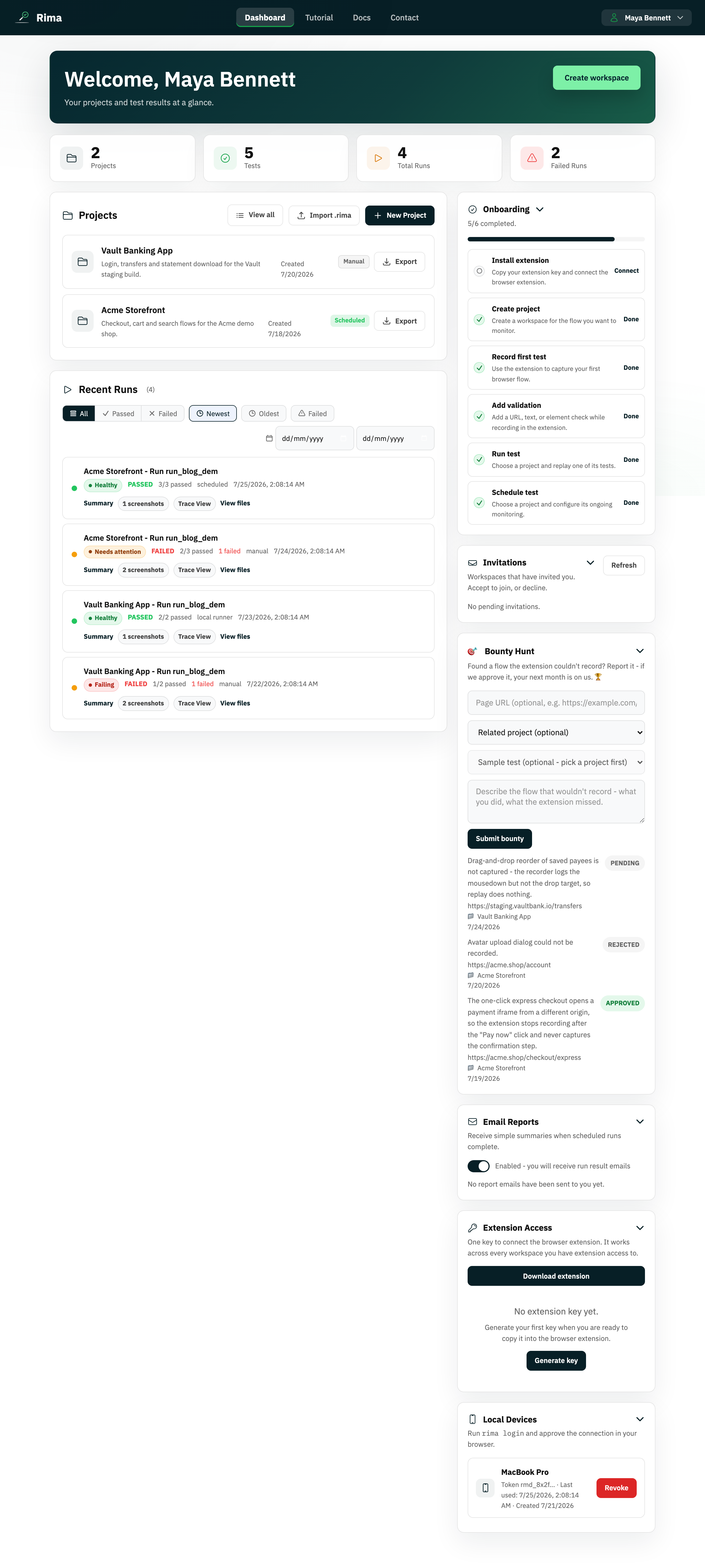
- Open the workspace control in the navbar and pick another workspace; the app immediately reloads its data.
- A search field appears when the account belongs to many workspaces.
- The active workspace determines the projects, runs, members, permissions, and billing you see everywhere in the app.
Example
Switch from your company workspace to a client workspace before opening that client’s project.
Common use cases
- Work across multiple clients.
- Move between personal and company work.
- Review a second business unit.
- Search a long workspace list.
Where to find it
Open the workspace control in the navbar. A search field appears when the account belongs to several workspaces.
Limitations, requirements, and permissions
- Only workspaces you belong to are listed.
- Your role and permissions can differ per workspace.
Related features and guides
Ready to try it yourself?
Create your free account, record your first flow, add a validation, and let Rima run it on a schedule for you.
Start free trial