Definition
Per-project access controls which workspace members can see or manage one specific project and what they can do inside it.
What it is for
It adds a project-level boundary on top of workspace membership.
How it works
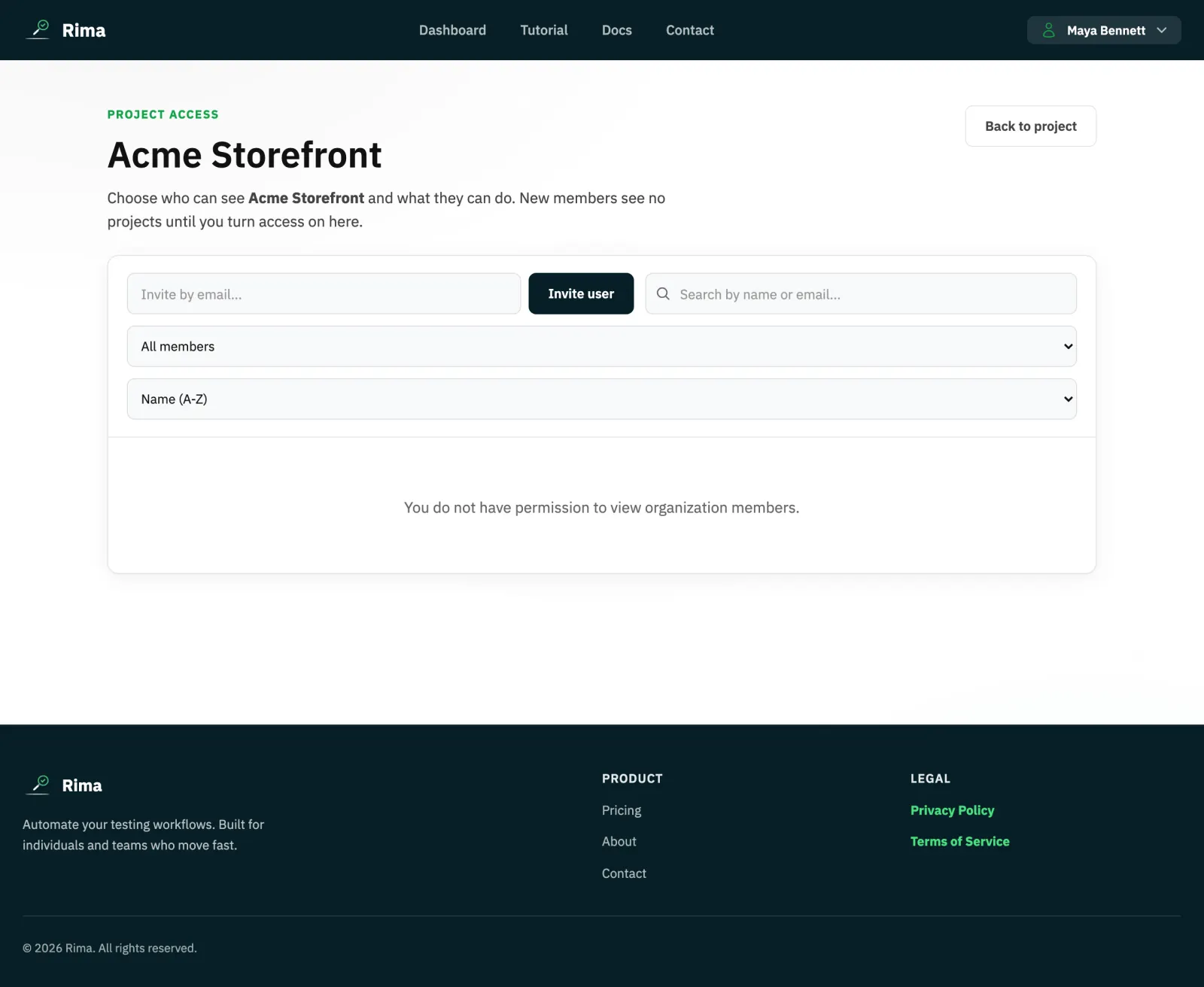
- Open the project Access page (or the dashboard access modal) to see every workspace member and toggle their access to the project.
- For each member with access you can save fine-grained per-project permissions, such as running tests without editing or deleting them.
- Search, filter (with or without access), and sort controls help manage large teams.
Example
A contractor belongs to the workspace but can access only the Mobile Web project and cannot delete its tests.
Common use cases
- Restrict client projects.
- Give read-only review access.
- Allow one team to run but not edit tests.
- Hide sensitive projects from most members.
Where to find it
Open a project and select Access, or use the access control on its dashboard card.
Limitations, requirements, and permissions
- Managing access requires access-management permission; owners are not listed as removable members.
- Newly joined members start with no project access until someone grants it.
- Per-project permissions are limited to the supported permission set.
Related features and guides
Ready to try it yourself?
Create your free account, record your first flow, add a validation, and let Rima run it on a schedule for you.
Start free trial