Definition
A workspace logo is the optional image used to visually identify a workspace in Rima.
What it is for
It makes workspaces easier to recognize, especially for accounts that switch between many teams or clients.
How it works
- Upload an image while creating a workspace, or later from the Workspace logo form in Workspace settings; a preview shows before saving.
- The saved logo appears wherever the workspace is identified, including the workspace switcher.
- Remove clears the logo back to the default.
Example
Upload the client’s brand mark to its workspace so the correct context is obvious in the workspace switcher.
Common use cases
- Brand a client workspace.
- Distinguish similarly named workspaces.
- Improve navigation for multi-workspace accounts.
- Replace or remove outdated branding.
Where to find it
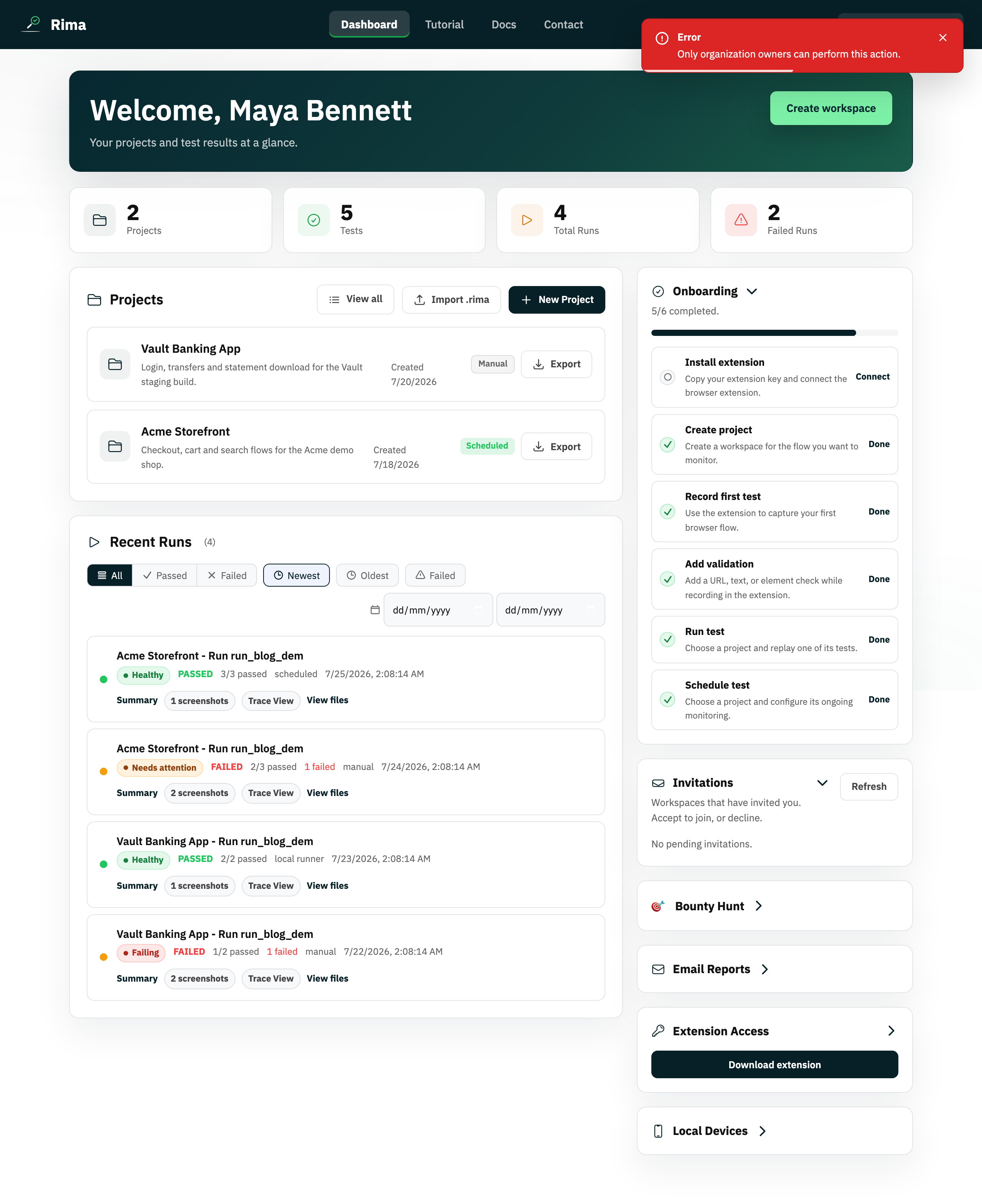
Upload a logo while creating a workspace or manage it later from Workspace settings.
Limitations, requirements, and permissions
- Accepted formats are PNG, JPEG, GIF, and WebP, and the file must be 256 KB or smaller.
- Managing the logo requires workspace owner or settings permission.
Related features and guides
Ready to try it yourself?
Create your free account, record your first flow, add a validation, and let Rima run it on a schedule for you.
Start free trial