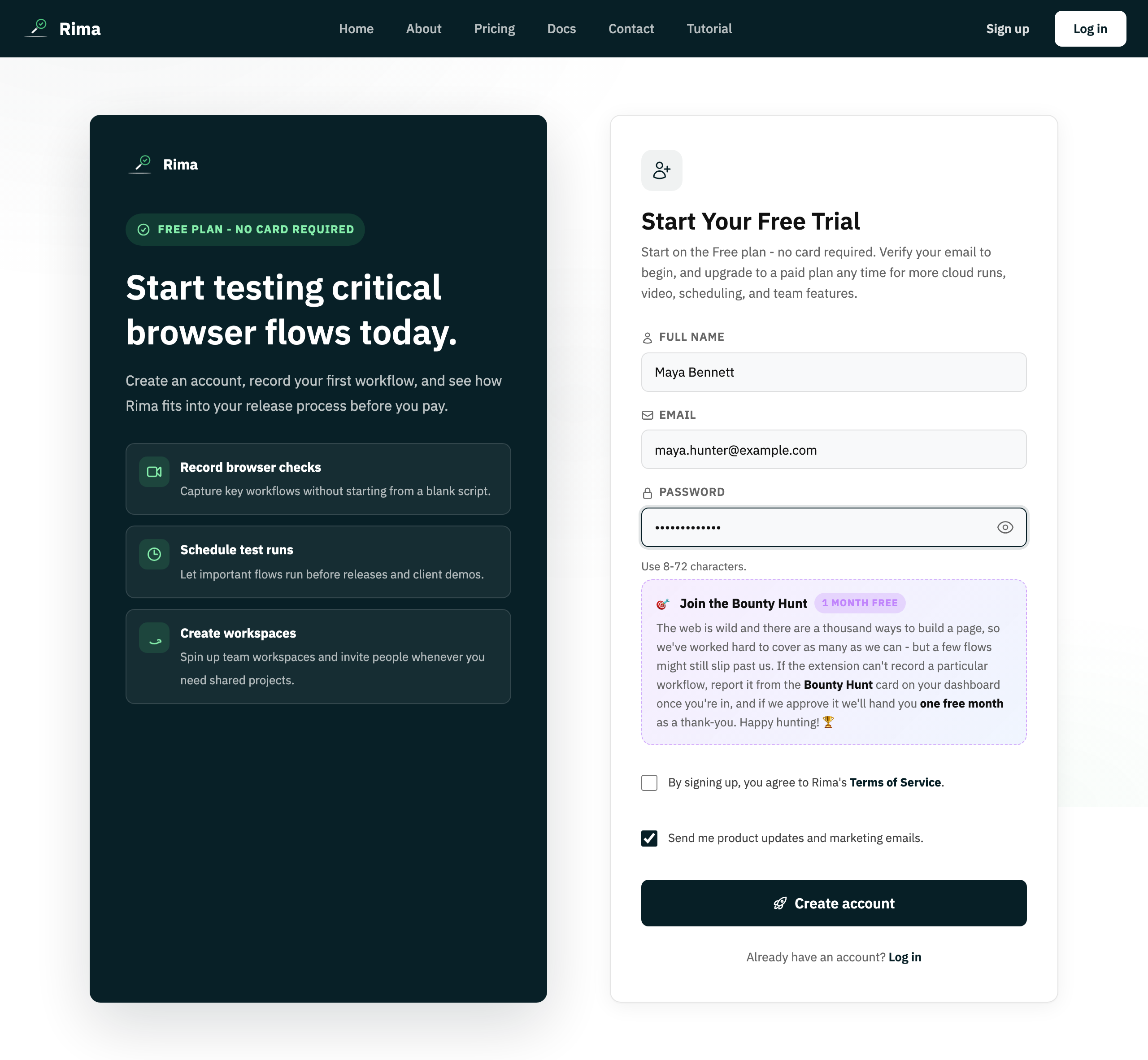
Create an account
Click Sign up in the top-right corner of any public page. Enter your name, email address and a password, then submit the form. Every password field has a small eye icon you can click to show or hide what you typed.
If you came from the Pricing page after choosing a paid plan, the plan travels with you: a notice on the registration form confirms which plan you picked, and checkout happens after you create your first workspace - never on the sign-up form itself.
Confirm your email address
After registering, Rima sends a verification email. Click the link inside it to confirm your address. If the email never arrives, use the resend verification email option to get a fresh link.
Sign in and out
Use Log in with your email and password. To leave, open the profile menu in the top-right corner and choose Logout.
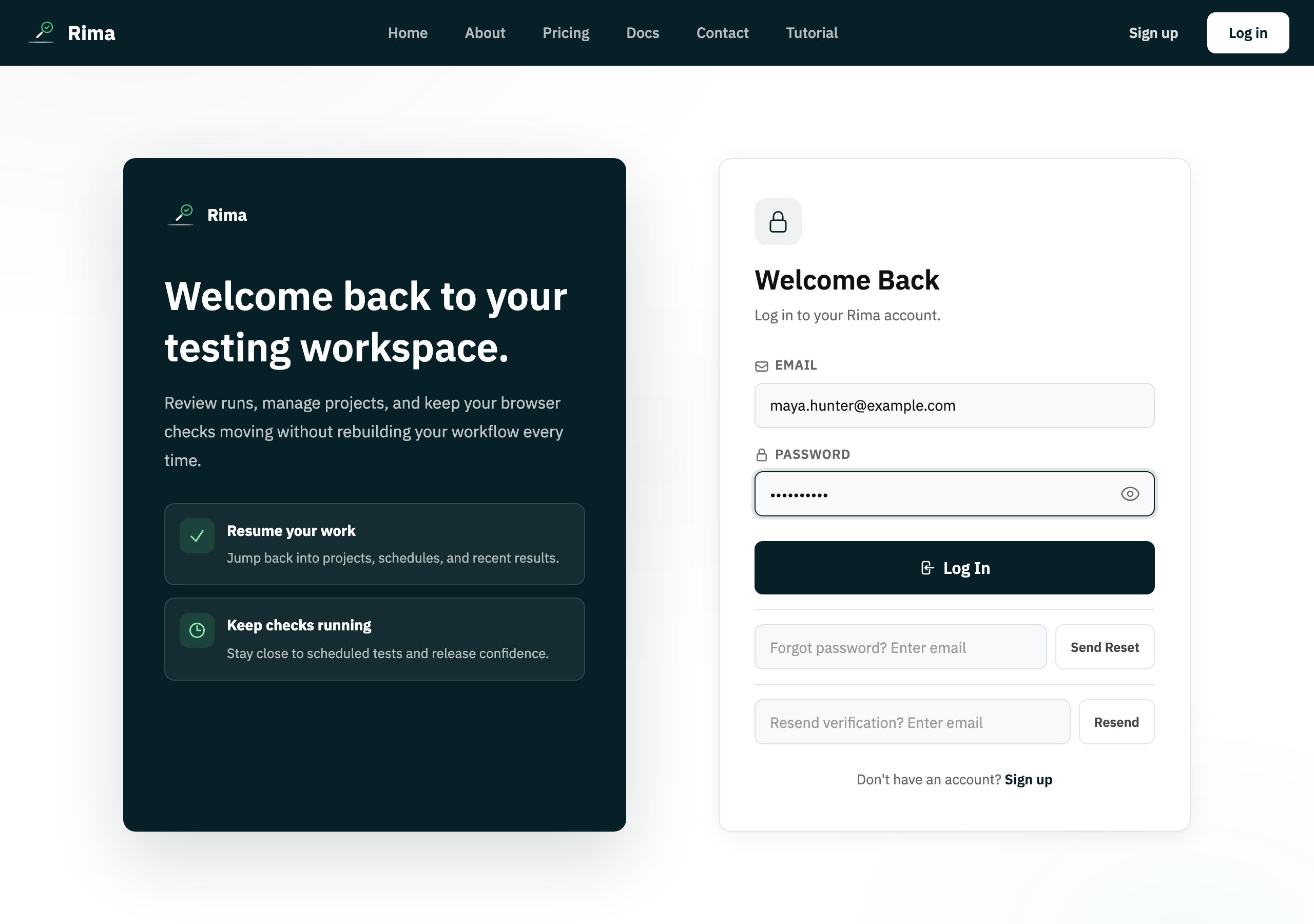
Forgot your password?
On the login page, click Forgot password and enter your email. Rima sends a reset link; open it, type a new password, and sign in with it right away. Reset links expire, so use them soon after they arrive.
Your first workspace
A workspace is the container that holds your projects, teammates and billing. The first time you sign in, a short welcome flow asks you to name your workspace. You can create more workspaces later from the profile menu - see the Teams & workspaces guide.
Ready to try it yourself?
Create your free account, record your first flow, add a validation, and let Rima run it on a schedule for you.
Start free trial