Definition
Email notifications control whether a member receives run-result messages from Rima.
What it is for
They bring failures and scheduled-run outcomes to the people who need to react.
How it works
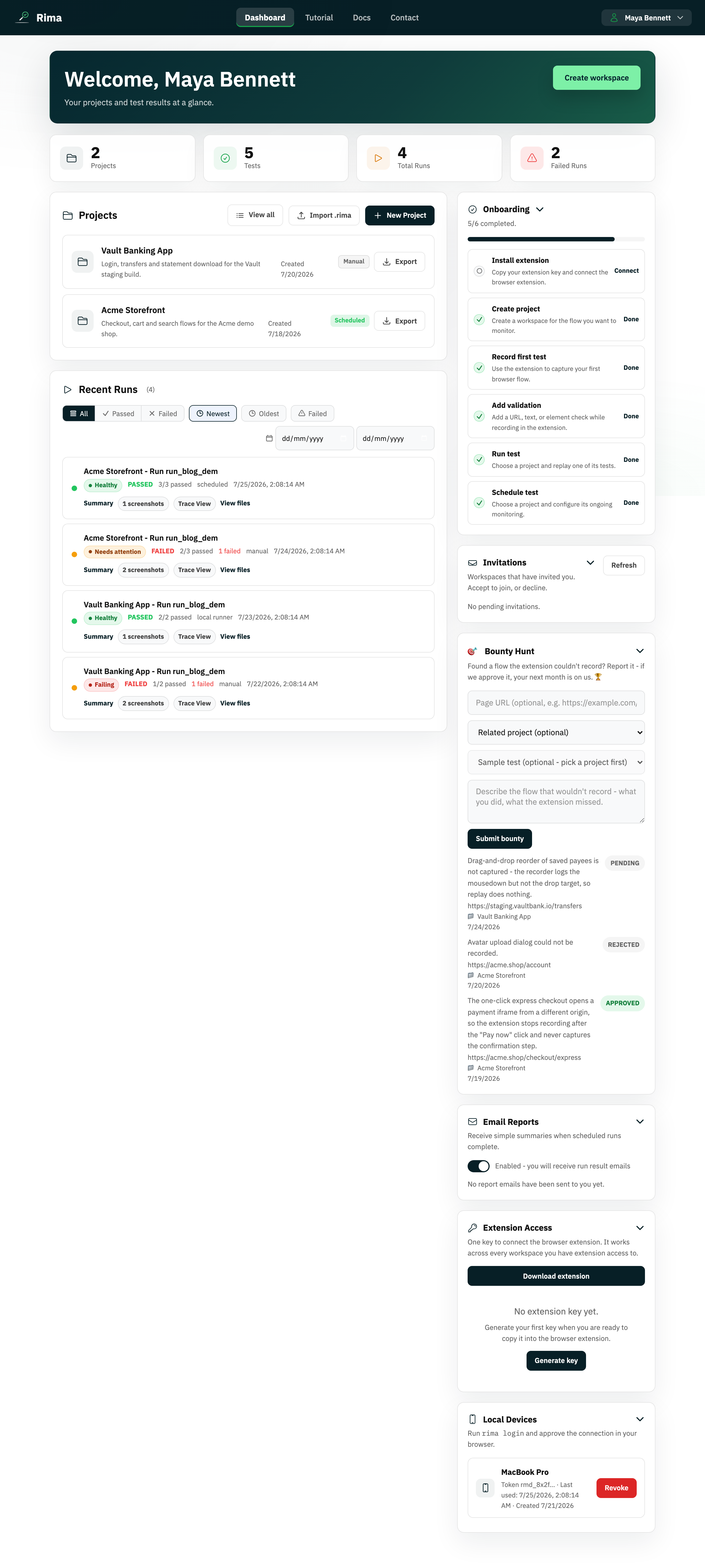
- Toggle the switch in the dashboard Email Reports panel to turn your own run-result emails on or off.
- When enabled, Rima emails you pass and failure reports for runs, including scheduled runs.
- Members with the right permission can toggle another member’s notifications from Team Members.
- Every sent message is also stored as an email report you can search later.
Example
Enable notifications for the release owner so every nightly scheduled run sends a pass or failure report.
Common use cases
- Alert on scheduled failures.
- Keep a stakeholder informed.
- Silence reports for one member.
- Review previously sent email reports.
Where to find it
Toggle your setting in the dashboard email panel. Workspace managers can adjust member settings from Team Members.
Limitations, requirements, and permissions
- The toggle controls only your own report emails; changing another member’s setting requires management permission.
- Turning notifications off does not delete previously stored email reports.
Related features and guides
Ready to try it yourself?
Create your free account, record your first flow, add a validation, and let Rima run it on a schedule for you.
Start free trial