Definition
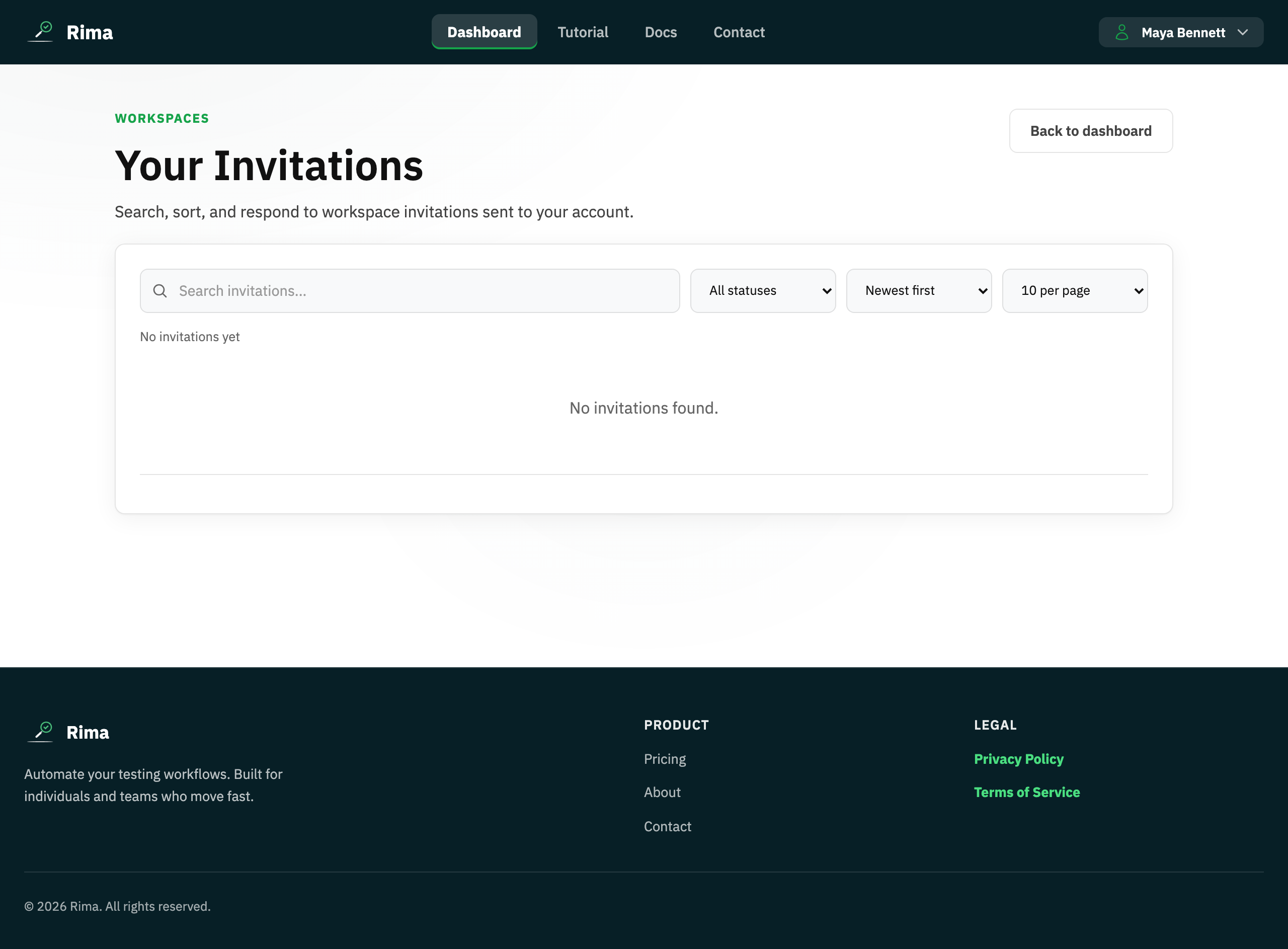
A workspace invitation asks an email address to join a workspace with a chosen role or starting permissions.
What it is for
Invitations add teammates without sharing an account.
How it works
- Enter the teammate’s email on the dashboard team panel or Team Members page; Rima emails the invitation.
- The recipient sees a banner and the Invitations page in their own account, where they accept or decline.
- Accepting adds them to the workspace; until then the invitation stays pending and can be resent or revoked.
- New members start with no project access; grant it per project afterwards.
Example
Invite a QA contractor as a member, then grant access only to the Storefront project.
Common use cases
- Onboard a teammate.
- Invite a client reviewer.
- Resend a pending invitation.
- Revoke an invitation sent by mistake.
Where to find it
Invite from the dashboard team panel or Team Members page. Recipients accept or decline from the invitation banner or Invitations page.
Limitations, requirements, and permissions
- Sending, resending, and revoking invitations requires invite/member-management permission.
- Only pending, unexpired invitations can be resent; a revoked invitation can no longer be accepted.
- The invitee must sign in with the invited email address to accept.
Related features and guides
Ready to try it yourself?
Create your free account, record your first flow, add a validation, and let Rima run it on a schedule for you.
Start free trial