Connect the extension to your account
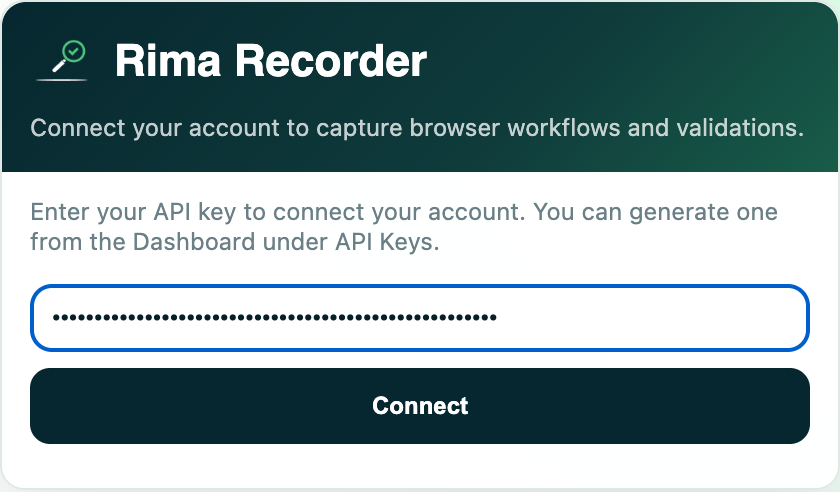
Install the Rima extension, open its popup, and launch the side panel. Copy the extension token from the dashboard panel of the same name and paste it into the extension. If the token is already connected on another computer, you can take it over; you can also disconnect the extension at any time, which releases the token again.
Record a flow
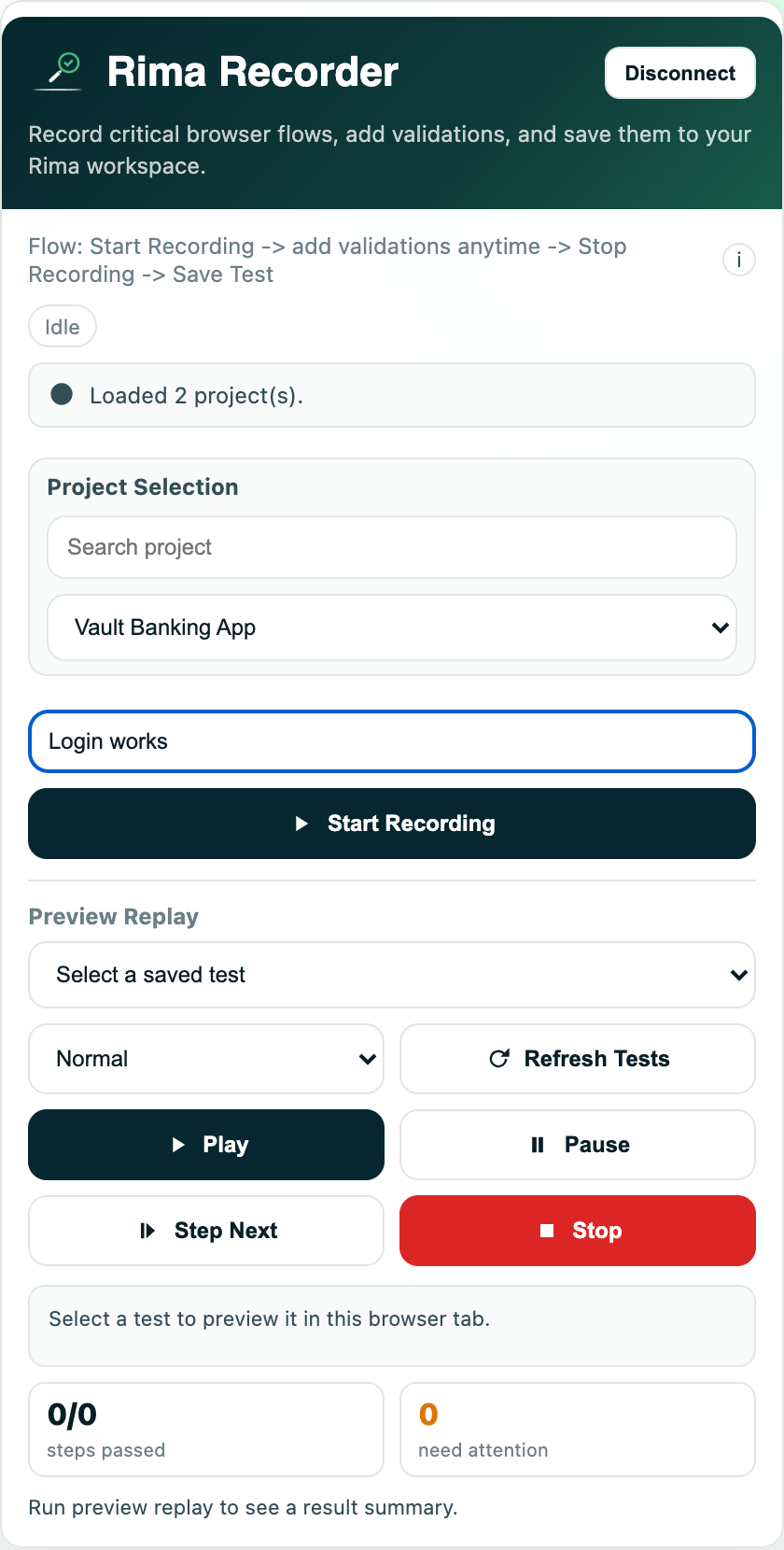
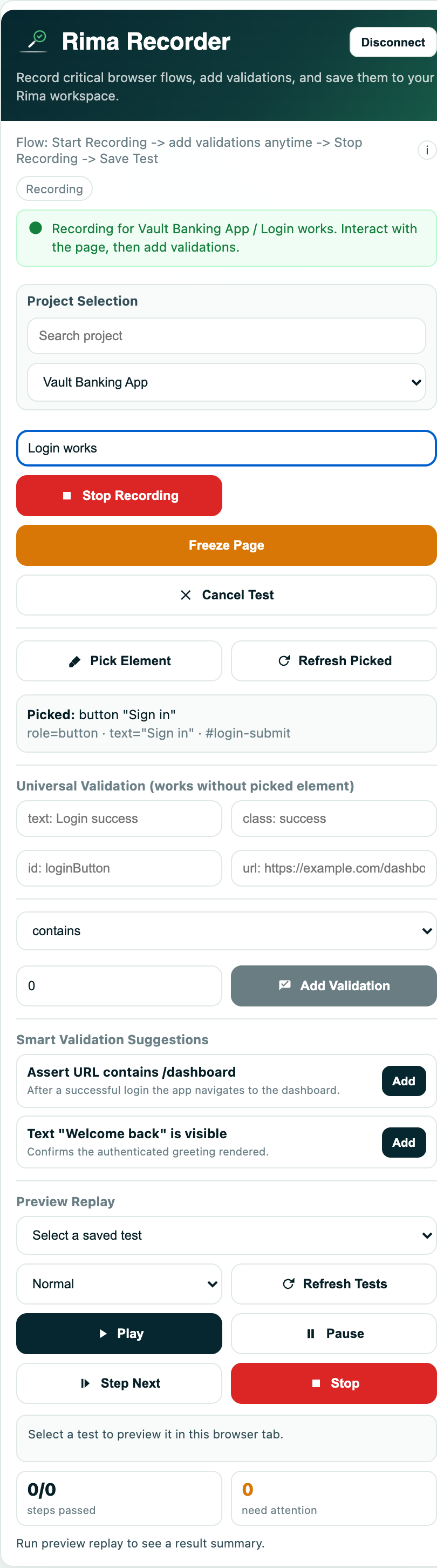
Choose the project the test should be saved into (there is a search box if you have many), type a name for the test, and press Start recording. Then just use the website in the active tab like a normal person: click around, fill forms, navigate. When you are done, press Stop. You can save the recording as a test, or cancel and throw it away.
If your plan has a maximum recording length and you hit it, the extension stops and saves the test automatically so nothing is lost.
What the recorder captures
The recorder understands far more than plain clicks:
- Clicks and click-like interactions on buttons, links and controls.
- Form input - typing, dropdown selections, checkboxes and radio buttons.
- Navigation - pages you open, whether you clicked a link or the browser redirected.
- Keyboard and clipboard events such as copy and paste, where the browser allows it.
- Scrolling, mouse-wheel, touch and hover interactions.
- Shadow DOM elements - the recorder builds selectors that can reach inside modern web components.
Preview replay - watch a test in your own tab
The Preview Replay section of the side panel plays any saved test back inside your active tab so you can watch it work. Pick a project and test (independent of where you record), choose a speed, and use play, pause, step-by-step next, and stop. A refresh button reloads the test list. Recording and preview cannot run at the same time - opening one section closes the other.
When something cannot be recorded
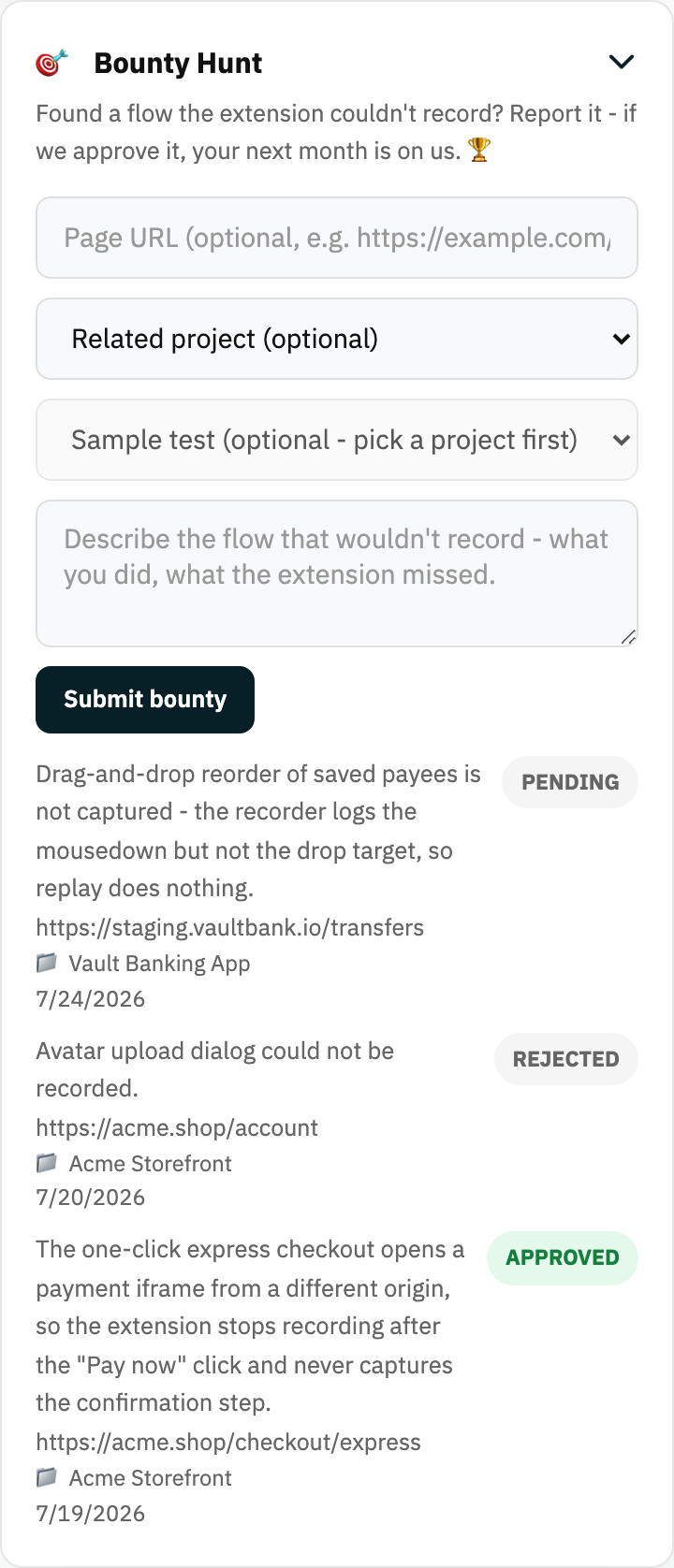
If the recorder fails to capture a flow, report it from the Bounty panel on the dashboard. Describe the flow, optionally attach one of your saved tests as a sample, and submit. The Rima team reviews reports, and approved ones earn a reward. You can track every report you submitted on the bounty reports page.
Ready to try it yourself?
Create your free account, record your first flow, add a validation, and let Rima run it on a schedule for you.
Start free trial