Definition
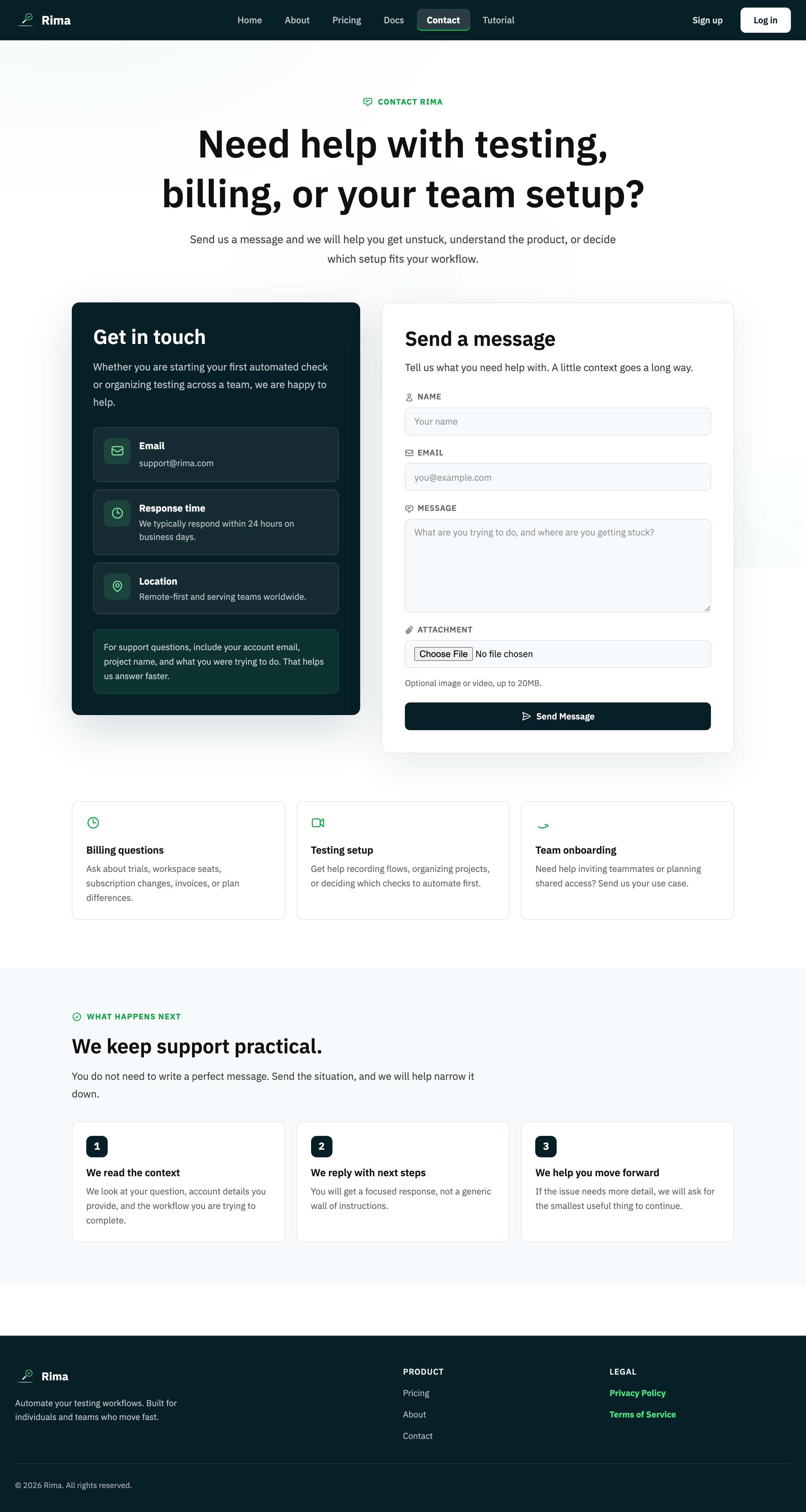
A support request is a message to the Rima team about an account, billing, product, or technical problem, with optional attachments.
What it is for
It gives users a tracked route to help when documentation does not solve the problem.
How it works
- Fill in your name, email, and message on the Contact page, or use the help link in Profile settings, and optionally attach a screenshot or short video.
- Submitting creates a tracked ticket that the Rima team reviews and answers by email.
Example
Send a request with a screenshot and run link when a recurring failure cannot be explained from the trace.
Common use cases
- Ask an account question.
- Report a billing issue.
- Request technical help.
- Attach evidence to a problem.
Where to find it
Use the Contact page or the help form linked from Profile settings.
Limitations, requirements, and permissions
- Name, email, and message are required.
- Attachments are limited to supported image and video types (PNG, JPEG, GIF, WebP, MP4, WebM, QuickTime) and server-side size limits.
Related features and guides
Ready to try it yourself?
Create your free account, record your first flow, add a validation, and let Rima run it on a schedule for you.
Start free trial