Definition
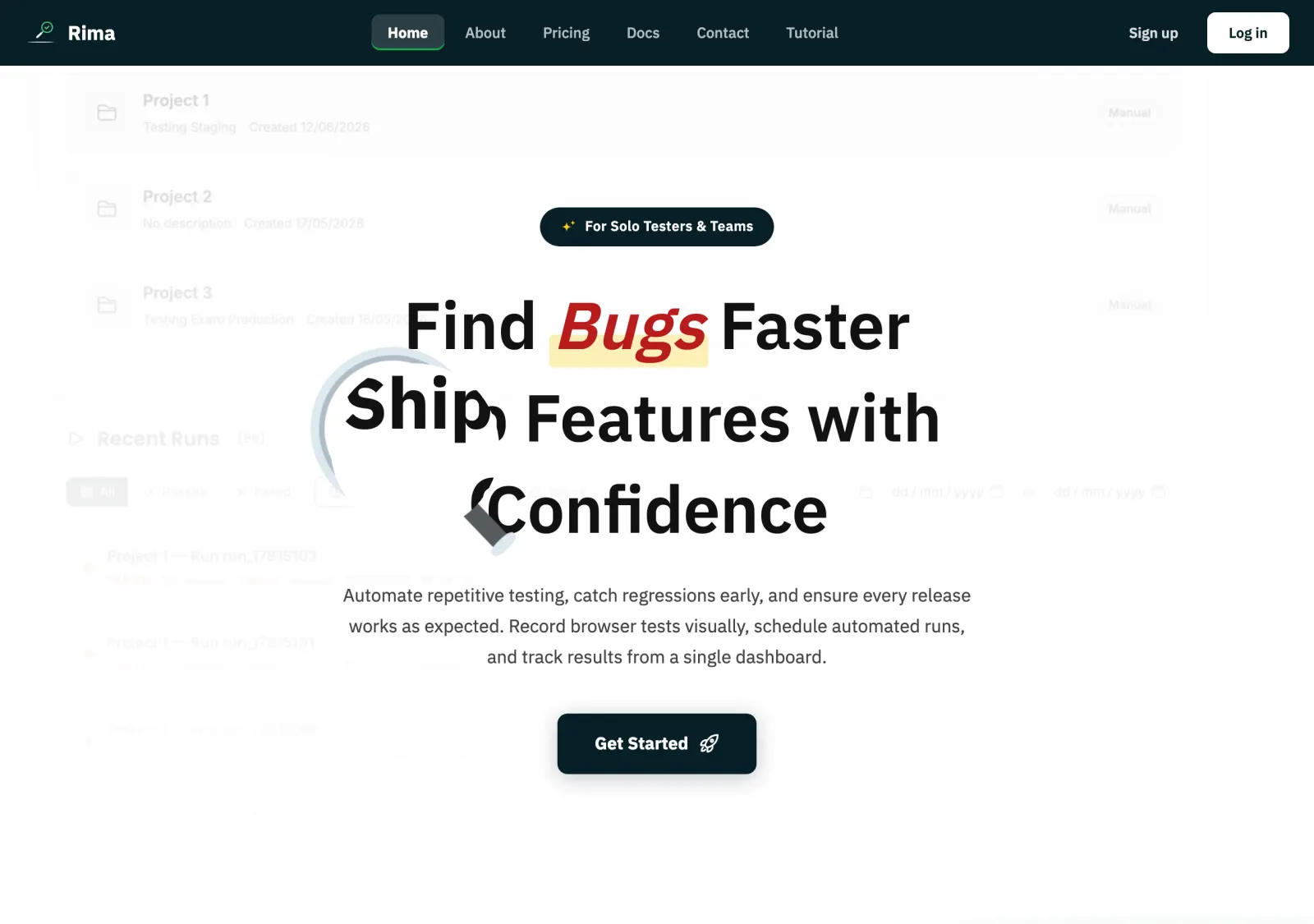
The public site is everything a signed-out visitor can browse: the Home, About, Pricing, Contact, and Tutorial pages, the Terms and Privacy pages, and the searchable Documentation section at /docs.
What it is for
Use the public pages to learn what Rima does, compare plans, read the docs, follow the tutorial, contact support, and start an account, all before signing in.
How it works
- The public navbar links to Home, About, Pricing, Contact, Tutorial, Sign up, and Log in; on small screens the links collapse behind a hamburger menu.
- Home page calls to action lead to registration or the contact form; About covers product and company information.
- Pricing compares the Free, Starter, Pro, and Business plans and ends with an FAQ accordion; click a question to expand or collapse its answer.
- The Documentation section at
/docsis a searchable knowledge base of workflow guides and feature definitions; it replaced the old blog. - Terms and Privacy are linked from the footer; the Tutorial page walks through onboarding.
Example
A tester evaluating Rima opens Pricing, expands the FAQ item about the free trial, reads the recording guide in the docs at /docs, and then clicks a home-page call to action to create an account.
Common use cases
- Compare plans and read the pricing FAQ before signing up.
- Search the documentation for a feature definition or workflow guide.
- Follow the tutorial before recording a first test.
- Submit a question through the contact form.
- Review the terms and privacy policy.
Where to find it
Open the site while signed out and use the top navigation: Home is /, plus /about, /pricing, /contact, /tutorial, /docs, /terms, and /privacy.
Limitations, requirements, and permissions
- Public pages are informational; calls to action do not create resources by themselves.
- Authenticated-only destinations redirect to login when no session exists.
- The mobile menu button only appears on narrow viewports.
- Choosing a paid plan on Pricing still requires completing registration and workspace setup before checkout.
Related features and guides
Ready to try it yourself?
Create your free account, record your first flow, add a validation, and let Rima run it on a schedule for you.
Start free trial