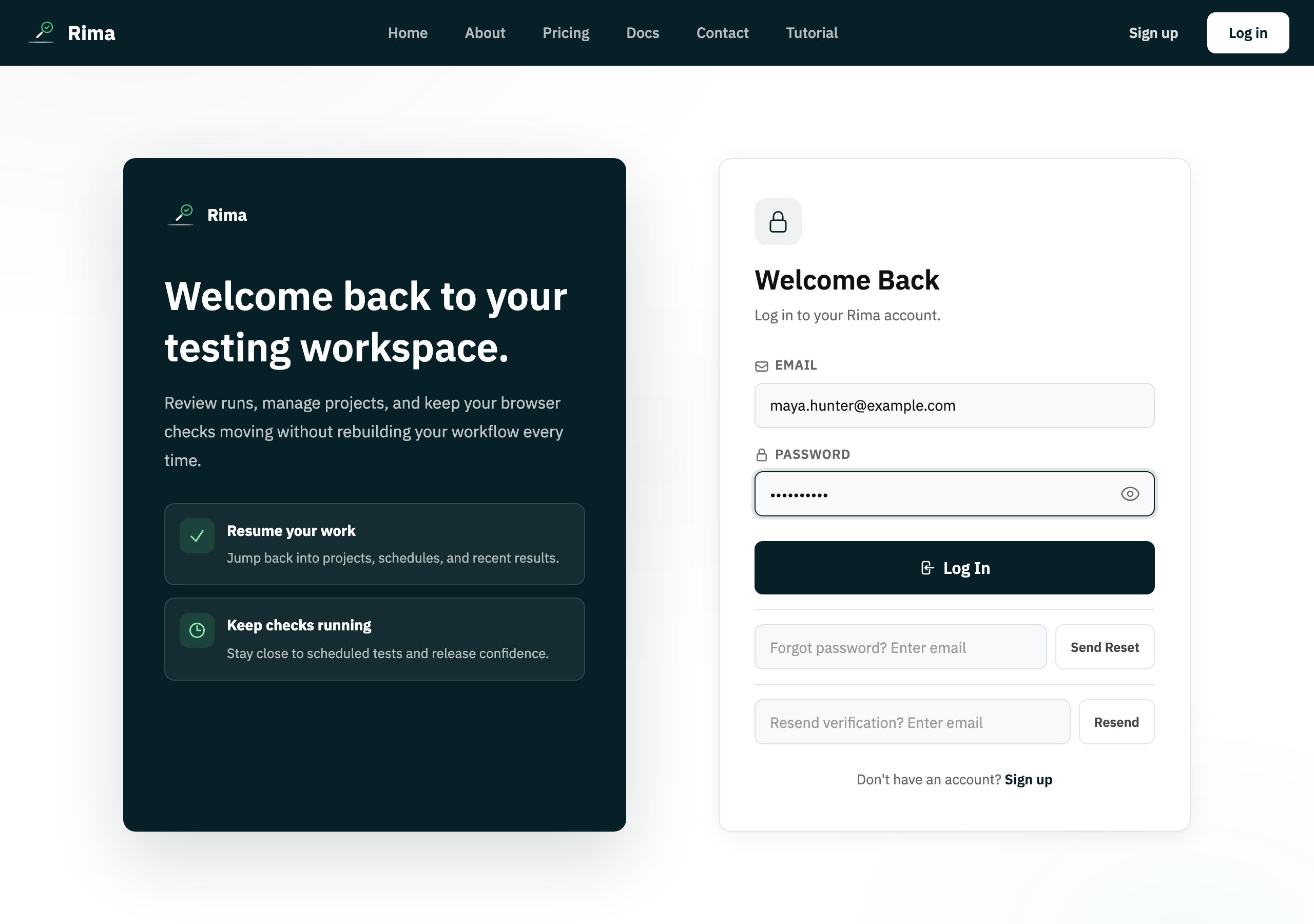
Definition
Password reset replaces a forgotten account password through a time-limited link sent to the account email.
What it is for
It restores access without exposing or recovering the old password.
How it works
- Request a reset from Forgot password with your account email; Rima sends a time-limited reset link.
- Open the link and set the new password; the token is consumed and the old password stops working.
Example
Choose “Forgot password”, enter the account email, open the reset link, and set a new password.
Common use cases
- Recover a forgotten password.
- Replace a compromised password.
- Restore access on a new device.
- Help a locked-out account owner.
Where to find it
Select Forgot password below the login form.
Limitations, requirements, and permissions
- The new password must be 8–72 characters with upper- and lowercase letters and a number.
- Reset links expire, and reset requests are rate-limited.
Related features and guides
Ready to try it yourself?
Create your free account, record your first flow, add a validation, and let Rima run it on a schedule for you.
Start free trial