Definition
A recorded step is one saved interaction inside a test, such as navigating, clicking, typing, choosing an option, scrolling, waiting, or validating a result.
What it is for
Steps let you inspect and edit exactly what a test will do. Their order is the order Rima replays.
How it works
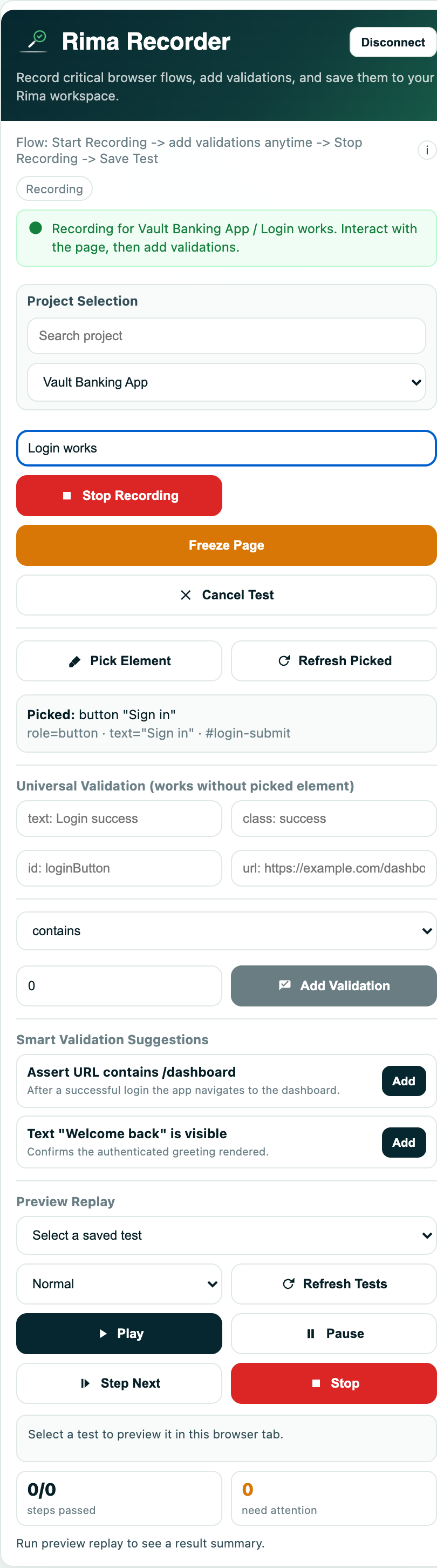
- While you record, the extension converts each interaction into a step with a selector, an action type, and a value where relevant.
- Steps replay in order during a run; editing the list changes exactly what the browser will do next time.
- The step editor can switch a value between fixed text, generated random data, a project variable, or a value extracted from email.
- You can insert wait, action, and validation steps after any existing step, or delete steps you no longer need.
Example
Step 1 opens /login, step 2 fills the email field, step 3 fills the password, and step 4 clicks “Sign in”.
Common use cases
- Change test data without recording again.
- Insert a wait before a slow element.
- Replace a fixed value with a variable.
- Remove a redundant click.
Where to find it
Open a project, expand a test with View steps, then edit, delete, or insert steps.
Limitations, requirements, and permissions
- Editing steps requires test-edit permission on the project.
- Only editable step types expose the value editor.
- Deleting a step cannot be undone from the interface.
Related features and guides
Ready to try it yourself?
Create your free account, record your first flow, add a validation, and let Rima run it on a schedule for you.
Start free trial