Definition
A role is a reusable permission level; a permission is one specific action a member is allowed to perform.
What it is for
They limit access so people can do their job without automatically receiving owner-level control.
How it works
- Owners assign predefined or custom roles to members on the Workspace permissions page.
- Each role maps to a set of workspace permissions; toggling an individual permission auto-saves and marks the member’s role as Custom.
- Custom roles are created with a name and a chosen permission set, and appear in every member role dropdown.
- Per-project access adds a second, project-level layer on top of workspace permissions.
Example
Give a member permission to view and run tests but not delete projects or manage billing.
Common use cases
- Separate owners, managers, and members.
- Create a custom QA role.
- Prevent destructive changes.
- Delegate team administration.
Where to find it
Manage predefined or custom roles from Workspace permissions, and adjust an individual member from Team Members.
Limitations, requirements, and permissions
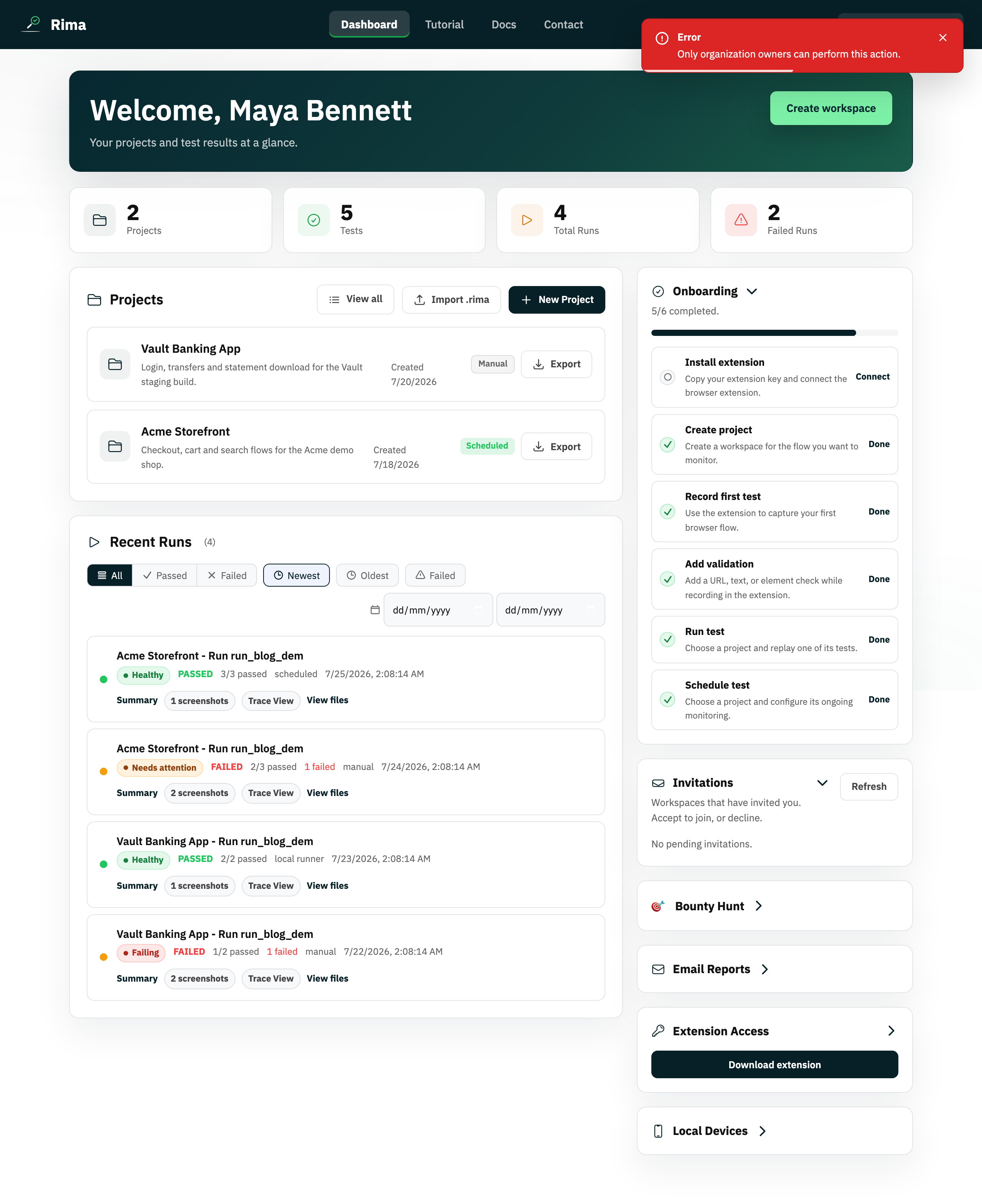
- Only the workspace owner manages roles and member permissions; the owner’s own row is not editable.
- Custom role names are capped at 60 characters, and custom roles may be plan-gated.
- Role deletion is not currently exposed in the interface.
Related features and guides
Ready to try it yourself?
Create your free account, record your first flow, add a validation, and let Rima run it on a schedule for you.
Start free trial