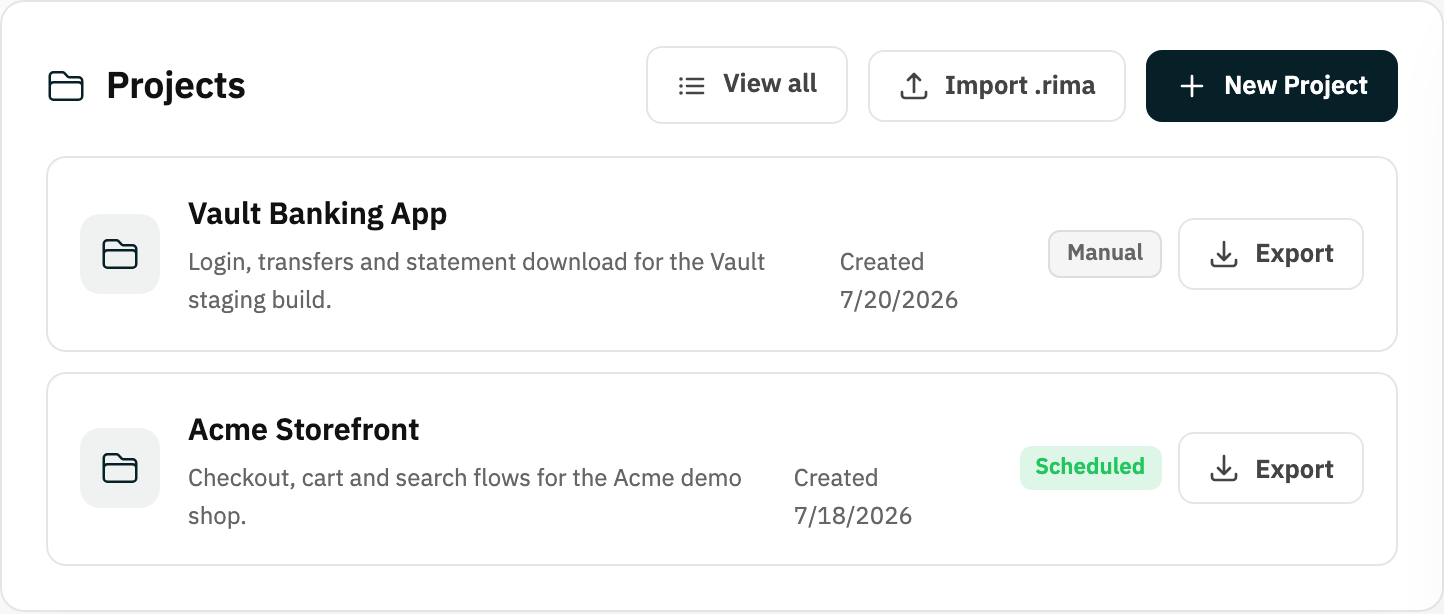
Definition
On the Free plan, the active project is the project that keeps run access when the plan allows only one active project.
What it is for
It lets a free workspace keep multiple saved projects while choosing which one is currently executable.
How it works
- When the Free plan limits you to one active project, the dashboard shows a Keep active control on project cards.
- The active project keeps run access; the others stay saved with their tests and history intact but cannot run.
- Choosing Keep active on another card switches which project is executable.
Example
Keep “Storefront” active this week, then switch active status to “Admin Portal” when that becomes the project you need to test.
Common use cases
- Choose the current free project.
- Preserve inactive project data.
- Switch focus without deleting tests.
- Evaluate Rima across projects over time.
Where to find it
Use Keep active on a dashboard project card when the Free plan project limit applies.
Limitations, requirements, and permissions
- Applies on the Free plan only; upgrading removes the single-active-project limit.
- Inactive projects keep their data but cannot start runs until made active.
Related features and guides
Ready to try it yourself?
Create your free account, record your first flow, add a validation, and let Rima run it on a schedule for you.
Start free trial