Definition
An email report is the stored record of a run-result message Rima sent to a member.
What it is for
It provides a searchable history of notification emails even after the message leaves the inbox.
How it works
- Every run-result email Rima sends to you is stored as an email report.
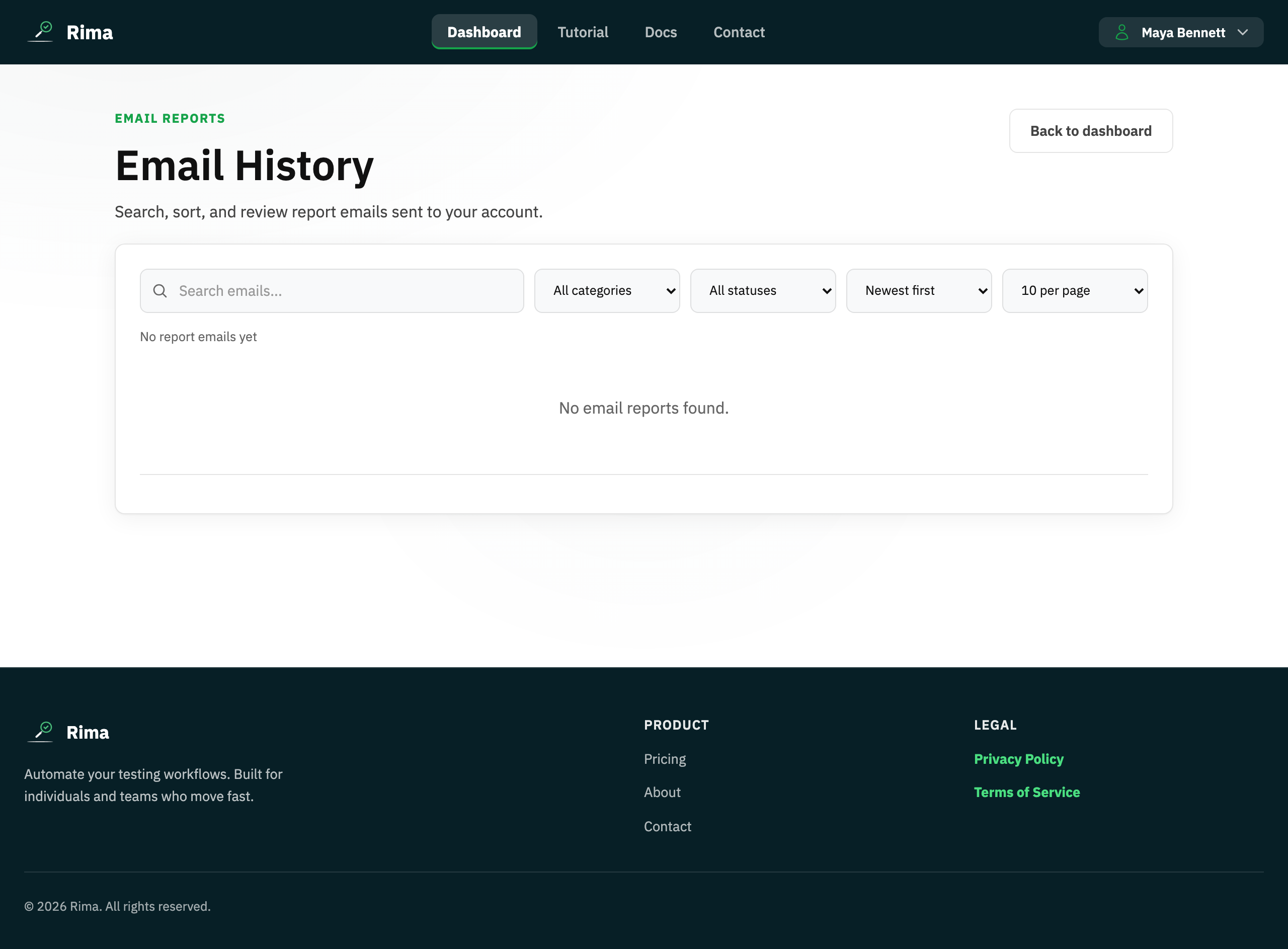
- The Email Reports page lists them with search, category and sent/failed status filters, sorting, and pagination; the dashboard shows the five most recent.
Example
Filter Email Reports to failed scheduled runs and reopen last week’s overnight failure notification.
Common use cases
- Audit sent notifications.
- Find an old failure email.
- Filter reports by status.
- Confirm a result was emailed.
Where to find it
Open Email reports from the dashboard notification panel or account navigation.
Limitations, requirements, and permissions
- You only see report emails sent to your own account.
- Reports exist only for periods when your email notifications were enabled.
Related features and guides
Ready to try it yourself?
Create your free account, record your first flow, add a validation, and let Rima run it on a schedule for you.
Start free trial