Definition
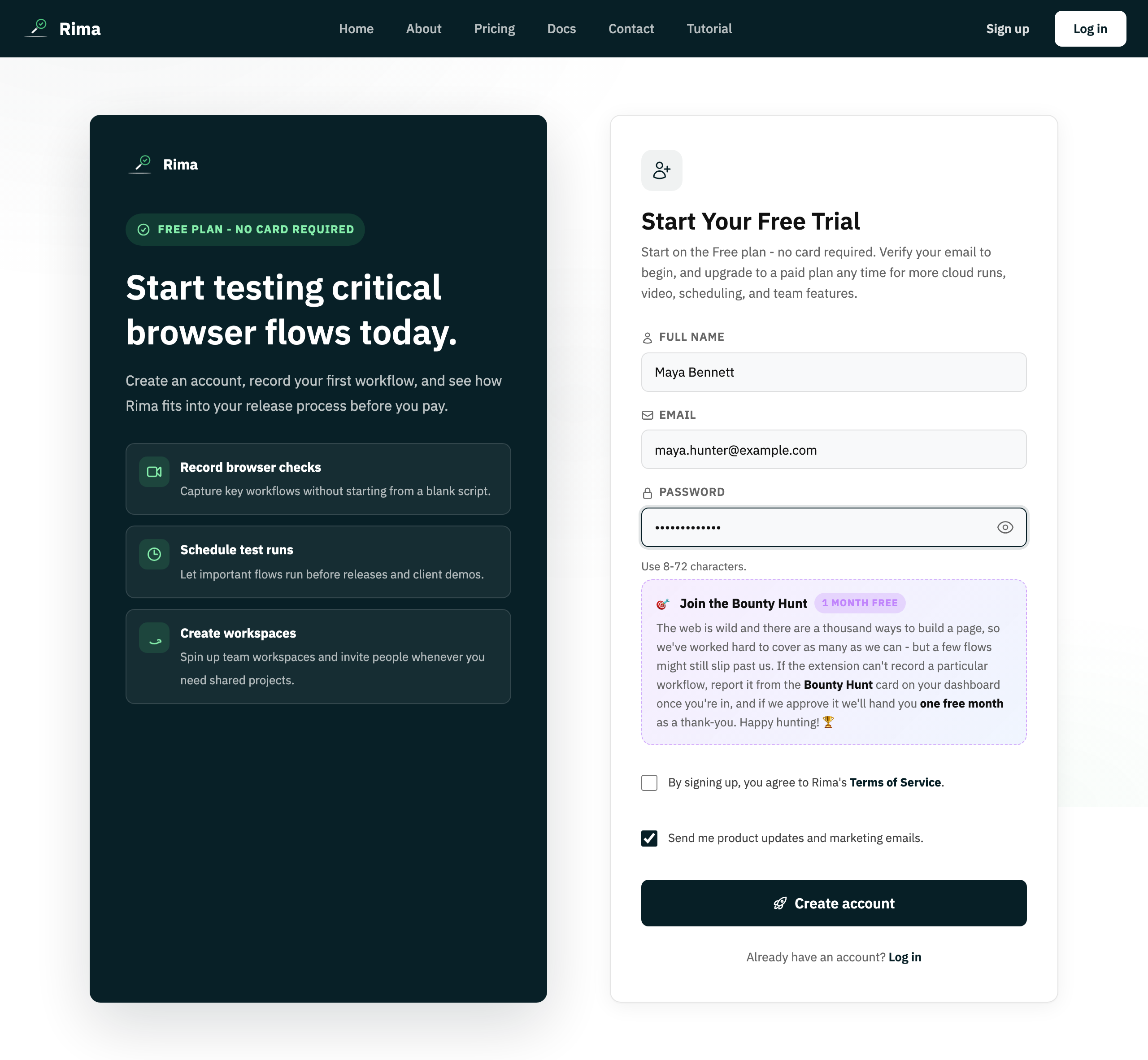
Email verification confirms that the person creating an account can receive messages at the supplied address.
What it is for
It protects account identity and enables trusted notification and recovery flows.
How it works
- Registering sends a verification email; clicking its link marks the address as verified.
- If the message does not arrive, use the resend option to get a new link.
- Your verification status is visible in Profile settings.
Example
After registration, open the Rima verification email and click its link before continuing into the workspace.
Common use cases
- Activate a new account.
- Confirm a changed address.
- Protect sign-up from mistyped email addresses.
- Enable reliable password recovery.
Where to find it
Rima prompts after registration. Use the resend option if the first verification email does not arrive.
Limitations, requirements, and permissions
- Verification is required before creating and running tests, and unverified accounts cannot complete normal login.
- The link token must be valid and unexpired; resend requests are rate-limited.
Related features and guides
Ready to try it yourself?
Create your free account, record your first flow, add a validation, and let Rima run it on a schedule for you.
Start free trial