Definition
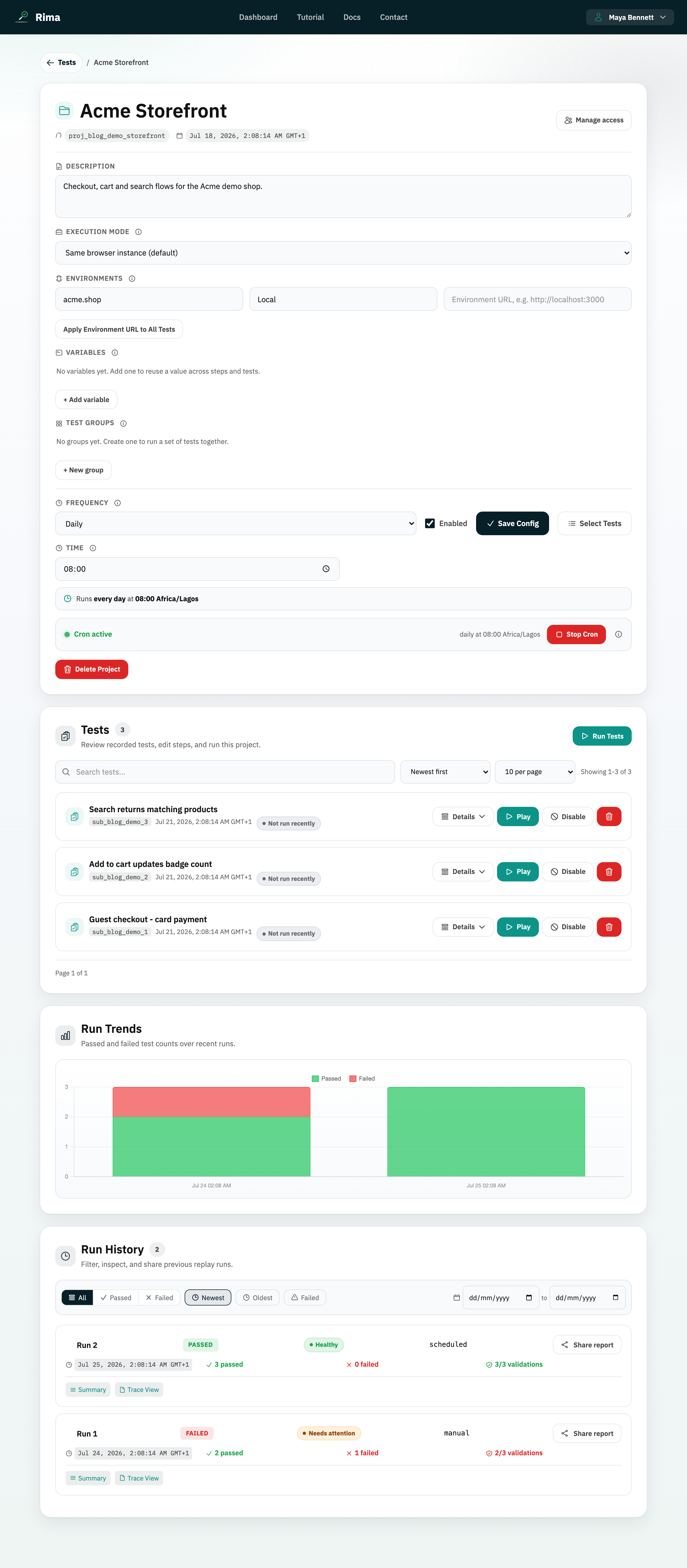
Execution mode controls whether tests in a multi-test run share one browser session or each start in a fresh browser.
What it is for
Choose shared execution for dependent flows that pass session state; choose separate execution for isolation.
How it works
- Same browser instance replays every test in the run in one browser session, so cookies, logins, and storage carry from test to test.
- Separate browser instance per test starts a clean browser for each test, guaranteeing isolation.
- The mode is a project setting (
same_instanceorseparate_instances) and applies to project-level runs.
Example
Use Same browser instance for login followed by checkout. Use Separate browser instance per test when every test must prove it can start cleanly.
Common use cases
- Keep login cookies between tests.
- Isolate tests from each other.
- Model one long user journey.
- Prevent one failed test from contaminating another.
Where to find it
Open the project and choose an option under Execution mode in project settings.
Limitations, requirements, and permissions
- Changing the mode requires project-edit permission and affects future runs, not past ones.
- In shared mode, a test that corrupts session state can affect the tests after it.
- In separate mode, session state such as a login does not carry over, so chain flows that create their own state instead.
Related features and guides
Ready to try it yourself?
Create your free account, record your first flow, add a validation, and let Rima run it on a schedule for you.
Start free trial