Definition
Run Before is a dependency setting that tells Rima to execute one or more setup tests before the test you selected.
What it is for
Use it when the main test depends on state created by another flow, such as being logged in, having an account, or having an item available to search.
How it works
When a test with Run Before dependencies executes, Rima expands the selection so the prerequisite tests run first, in the order you set, inside the same run. The main test starts only after its setup tests have played.
Whether state carries over depends on the project execution mode. With Same browser instance, cookies and session state from the setup tests (such as a login) remain available to the main test. With Separate browser instance per test, each test starts in a fresh browser, so Run Before is mostly useful for creating backend data rather than sharing a session.
Example
Choose “Login” as Run Before for “Create a post”. Rima logs in first, keeps the required session, and then executes the post-creation test.
Common use cases
- Log in before an authenticated flow.
- Register a user before login.
- Create data before editing or searching it.
- Prepare a cart before checkout.
Where to find it
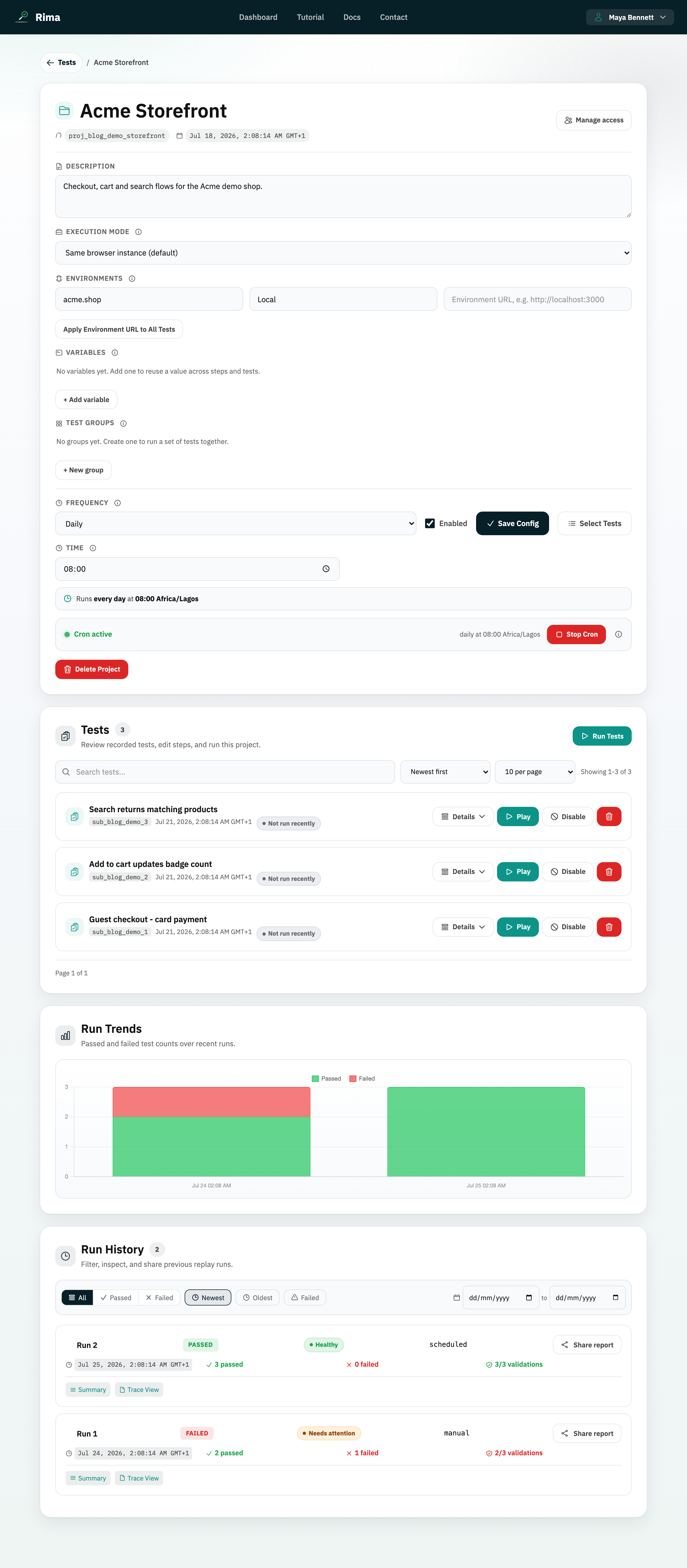
Open a project and click the run button on a test. In the Run Test dialog, choose one or more tests under Run before (optional).
Limitations, requirements, and permissions
- A test cannot depend on itself, and only enabled tests can be chosen as prerequisites; disabled tests are dropped from the chain.
- Dependencies can be set in the Run Tests, Run Test, and schedule dialogs; saving them requires run or project-edit permission.
- Group runs expand run-before dependencies on the server automatically.
Related features and guides
Ready to try it yourself?
Create your free account, record your first flow, add a validation, and let Rima run it on a schedule for you.
Start free trial