Definition
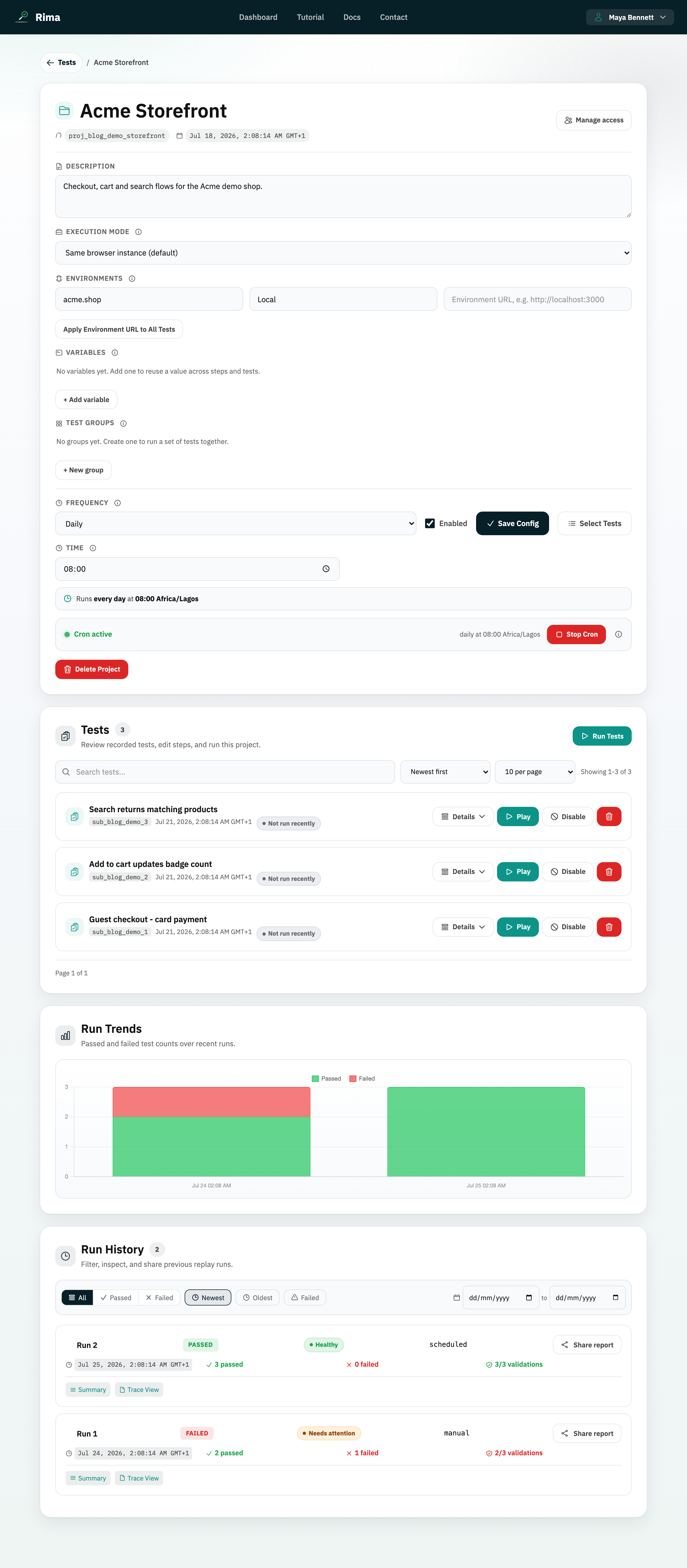
An enabled test can be selected and executed; a disabled test stays saved but is skipped by normal runs and schedules.
What it is for
Disable a test temporarily without deleting its recording, settings, or history.
How it works
- Toggle the enable/disable action on a test card; the state changes immediately.
- Disabled tests keep their recording, settings, and history, but are excluded from run selections, group runnable counts, schedules, and CLI runs.
- Re-enable the test at any time to make it selectable again.
Example
Disable a checkout test while its payment sandbox is unavailable, then enable it again when the dependency returns.
Common use cases
- Pause a flaky test.
- Keep unfinished work.
- Exclude a retired flow from schedules.
- Temporarily reduce a run scope.
Where to find it
Use the enable/disable action on a test card inside its project.
Limitations, requirements, and permissions
- Toggling requires test-edit permission.
- Disabled tests are dropped from run-before dependency chains.
Related features and guides
Ready to try it yourself?
Create your free account, record your first flow, add a validation, and let Rima run it on a schedule for you.
Start free trial