Definition
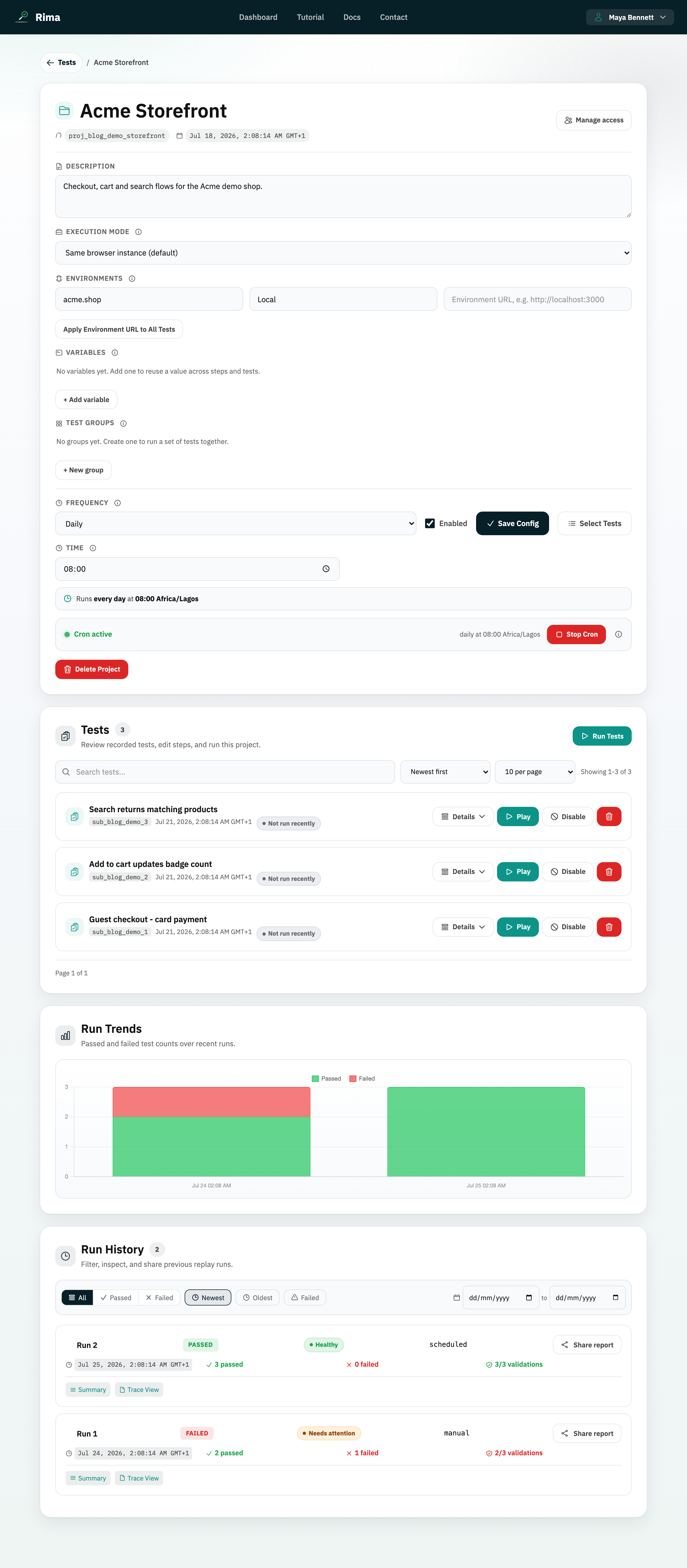
An environment URL maps the domain used while recording to another domain used during a run.
What it is for
It lets the same test run against production, staging, preview, or localhost without recording it again.
How it works
- Set the recorded (primary) domain and a target environment URL in project settings; runs replace the recorded origin with the target origin.
- Apply Environment URL to All Tests permanently rewrites matching step URLs and URL validations across the project.
- The local runner accepts
--portfor localhost,--target-urlfor any address,--recorded-originas an advanced source override, and--environmentfor a saved target.
Example
Record against https://shop.example.com, then set the run target to https://staging-shop.example.com.
Common use cases
- Test staging before release.
- Run production recordings on a preview deployment.
- Move tests after a domain change.
- Target localhost with the CLI.
Where to find it
Set the project primary domain and run-against URL in project settings, or update a test domain from its expanded step view.
Limitations, requirements, and permissions
- Both URLs must parse as valid origins; only URLs matching the recorded domain are rewritten.
- Managing environments requires environment-management permission on the project.
- The bulk rewrite updates saved tests permanently; it is not a per-run override.
Related features and guides
Ready to try it yourself?
Create your free account, record your first flow, add a validation, and let Rima run it on a schedule for you.
Start free trial