Definition
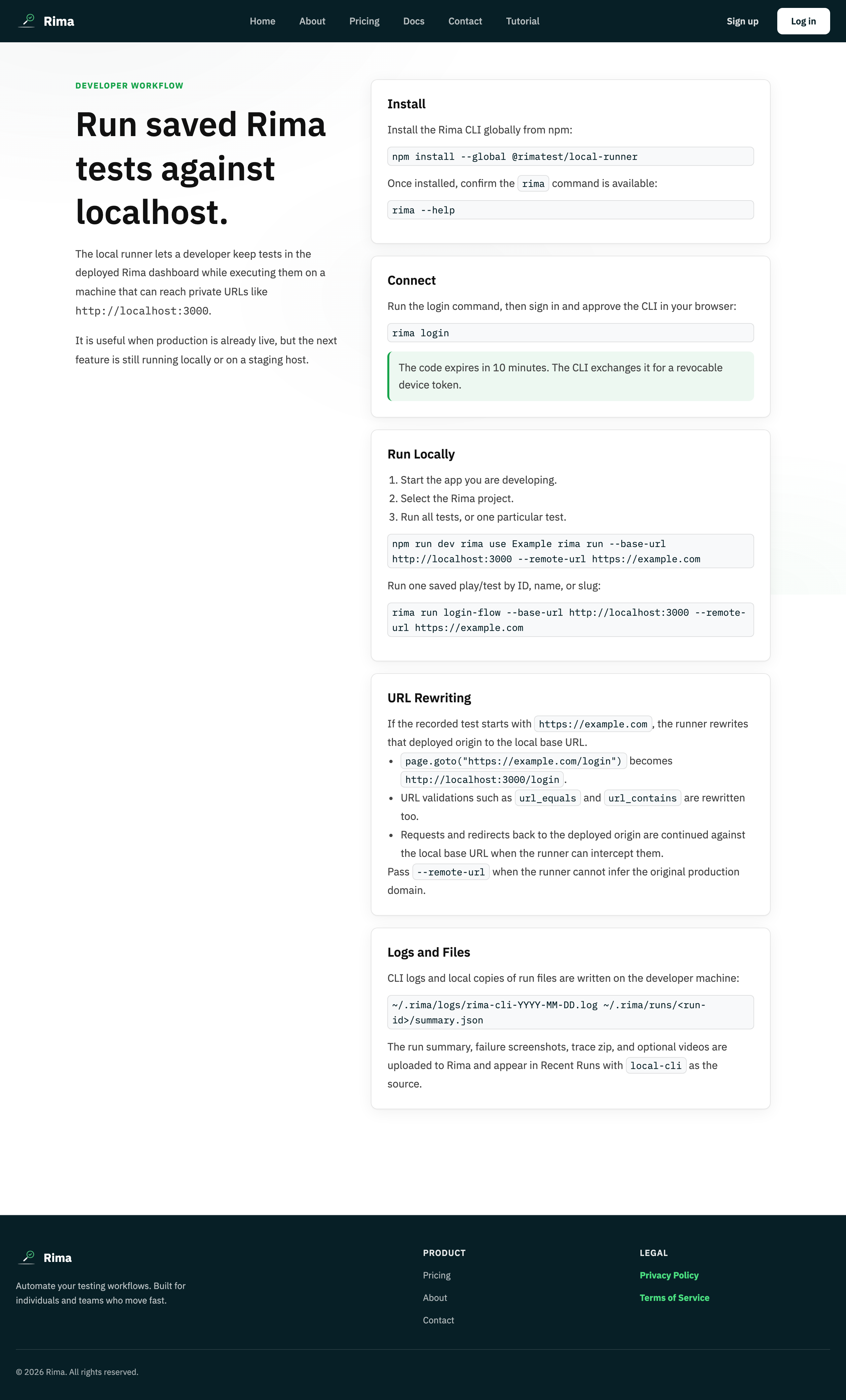
The local runner is Rima’s command-line tool for executing saved tests on your own computer while syncing results back to the web app.
What it is for
It reaches localhost, private networks, VPN-only systems, and development builds that a cloud browser cannot access directly.
How it works
- Install the CLI, then connect it with a dashboard device code (
rima login) or an API key for scripts. - Pick a context with
rima workspaces,rima projects, andrima tests, then run one test or all enabled tests withrima run. - Tests execute in a browser on your machine; URL-rewriting flags point recorded tests at localhost or private URLs.
- Summaries and artifacts upload to the web app unless you pass
--no-upload; local copies stay in~/.rima/runsand logs in~/.rima/logs.
Example
Connect your laptop, select the Storefront project, and run its production-recorded tests against http://localhost:3000.
Common use cases
- Test before deployment.
- Reach an internal staging site.
- Run in CI.
- Keep browser execution on your own machine.
Where to find it
Install the CLI, create a device code from the dashboard, log in from the terminal, then list or run workspace tests.
Limitations, requirements, and permissions
- Requires the CLI plus its local browser dependencies, and a run entitlement on your plan.
- Only enabled tests run; a workspace and project must be selected first.
- Local runs execute on your machine, so results depend on your local environment.
Related features and guides
Ready to try it yourself?
Create your free account, record your first flow, add a validation, and let Rima run it on a schedule for you.
Start free trial