Definition
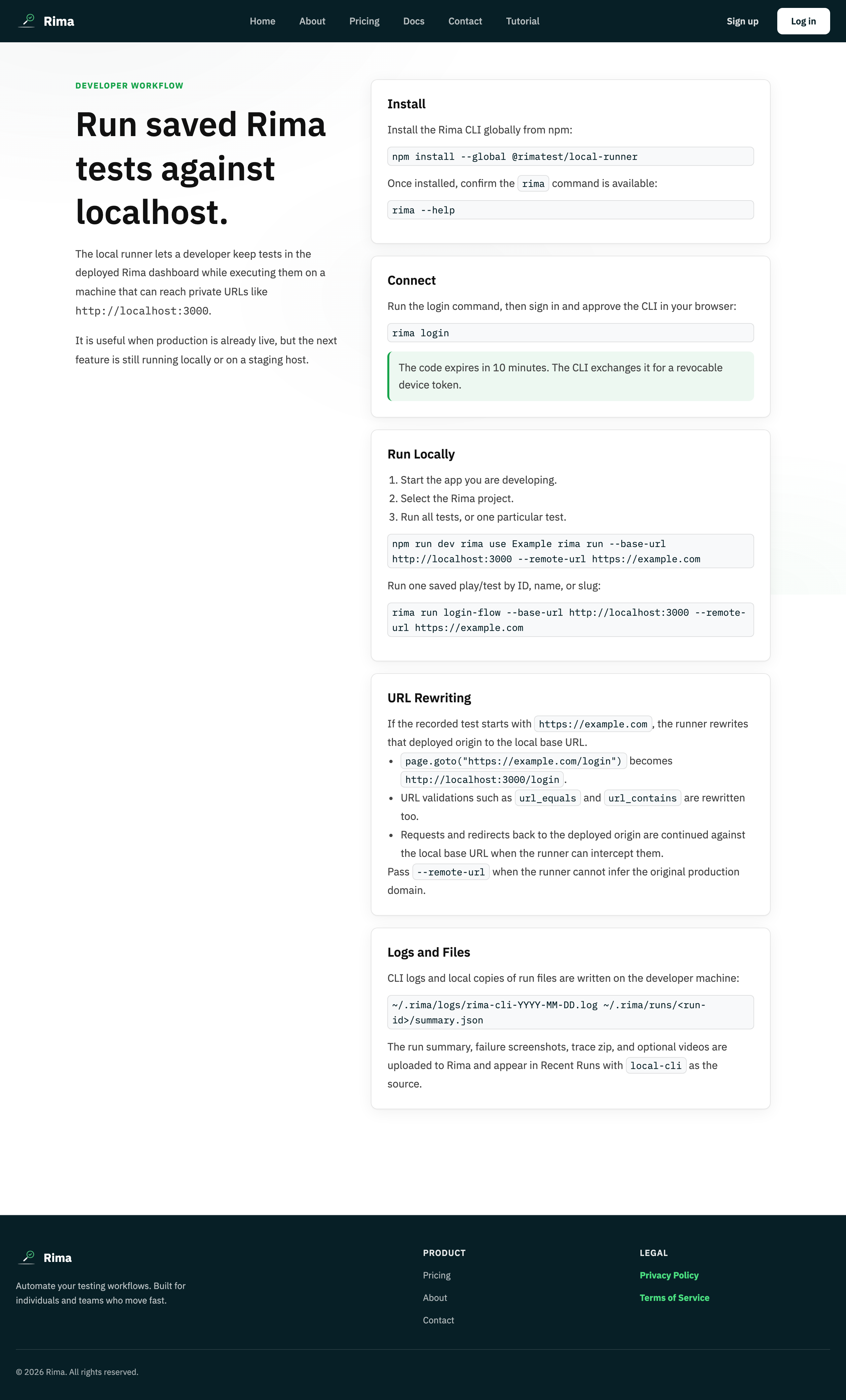
URL rewriting swaps the recorded site address for another address at run time while keeping the rest of the flow the same.
What it is for
It reuses one recording across production, staging, preview, and local environments.
How it works
The runner swaps the recorded origin for the target origin in every navigation and URL validation, leaving paths and the rest of the flow unchanged.
From the CLI, pass --port for localhost or --target-url for any target. The project primary domain normally supplies the recorded origin; --recorded-origin overrides it when necessary. A named project environment can be selected with --environment.
In the web app, the project environment settings provide the same mapping for cloud runs.
Example
A test recorded at https://app.example.com/login is rewritten to http://localhost:4173/login by the local runner.
Common use cases
- Test localhost.
- Validate a pull-request preview.
- Run against a private staging domain.
- Migrate tests to a new hostname.
Where to find it
Choose the target URL with the local runner or configure the project environment and primary domain.
Limitations, requirements, and permissions
- If the project primary domain and automatic inference do not identify the correct source, pass
--recorded-originexplicitly. - Only URLs matching the recorded origin are rewritten; other absolute URLs stay untouched.
Related features and guides
Ready to try it yourself?
Create your free account, record your first flow, add a validation, and let Rima run it on a schedule for you.
Start free trial