Definition
Pause billing stops charges and paid workspace features without deleting the workspace; resume restores billing and access later.
What it is for
It is for a workspace that is temporarily inactive but should keep its configuration and history.
How it works
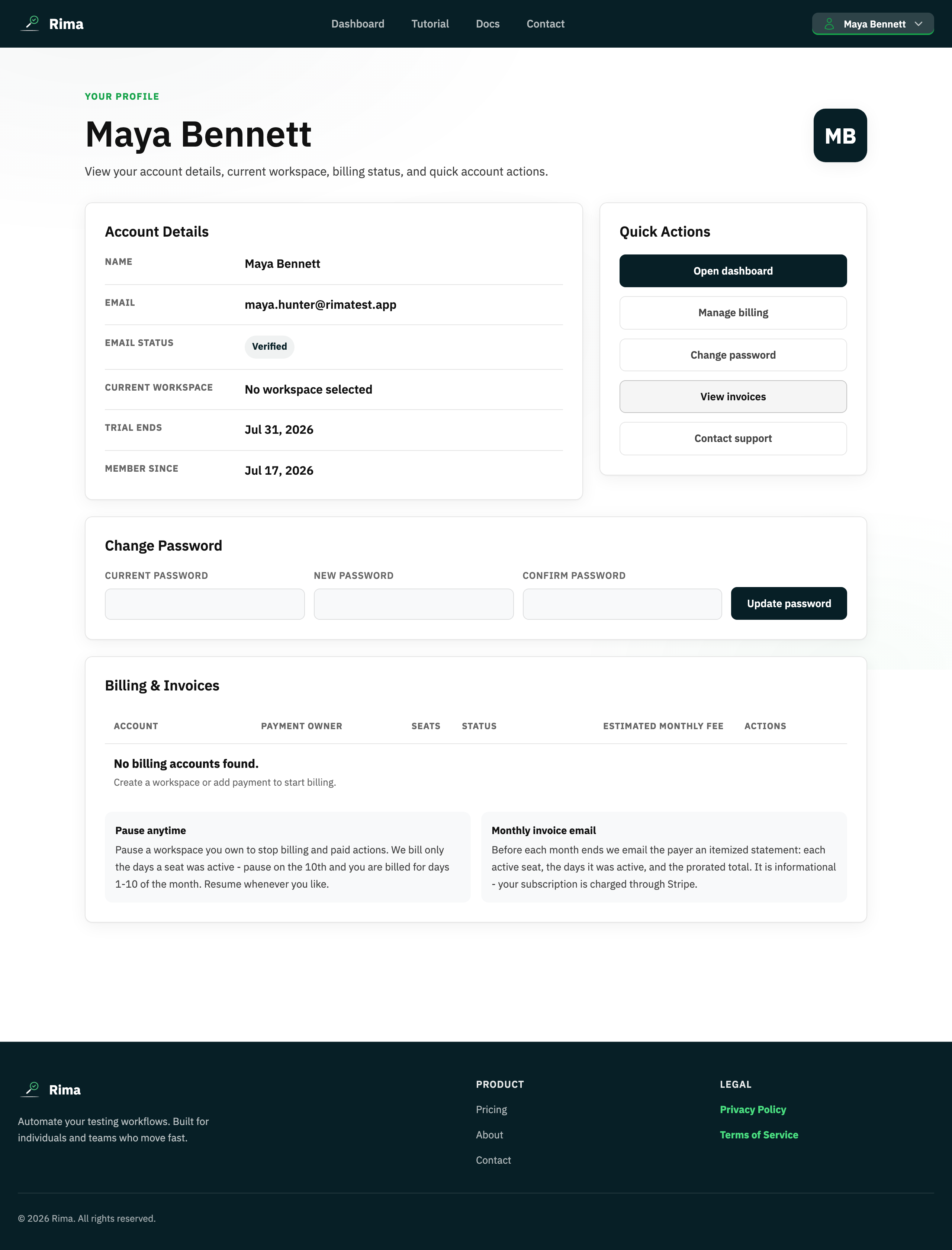
- A billing manager presses Pause on the billing account row in Profile settings and confirms.
- Charges and paid workspace actions stop while paused; projects, tests, and history are preserved.
- Pressing Resume restores billing and paid features; charges are prorated by active days.
Example
Pause a seasonal project after its campaign ends, then resume it before next year’s campaign.
Common use cases
- Seasonal work.
- Temporary client pause.
- Budget hold.
- Preserve projects without an active paid period.
Where to find it
Billing managers use the billing account controls in Profile settings.
Limitations, requirements, and permissions
- Only users who can manage the billing account can pause or resume it.
- While paused, paid actions for the workspace are unavailable.
Related features and guides
Ready to try it yourself?
Create your free account, record your first flow, add a validation, and let Rima run it on a schedule for you.
Start free trial