Definition
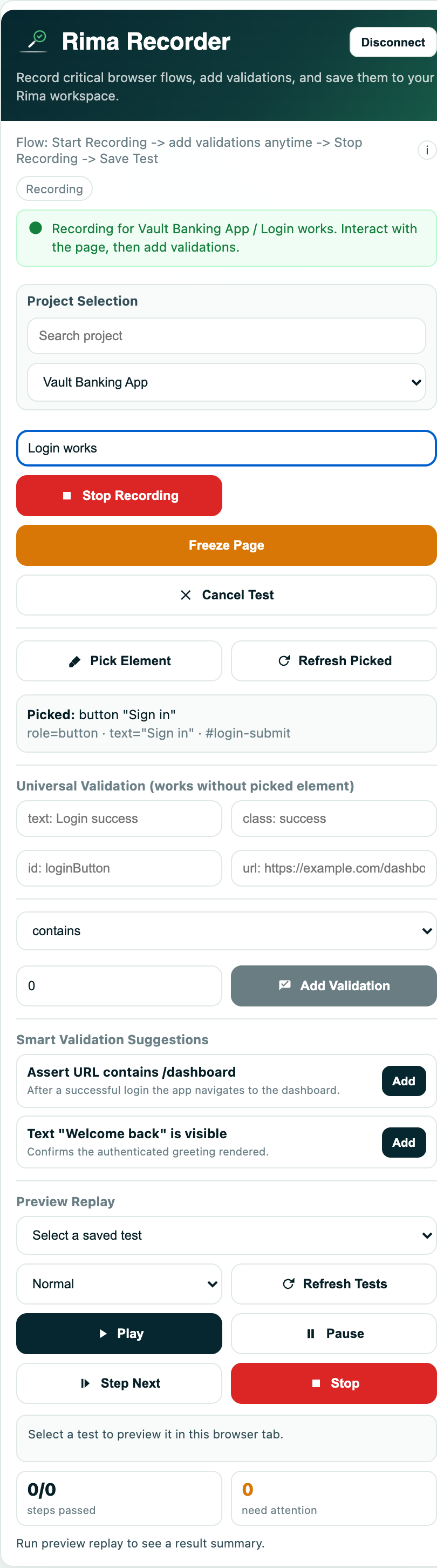
Captured interactions are the browser events the extension turns into recorded steps while a recording session is active: clicks, form input, navigation, keyboard and clipboard events, scroll, wheel, touch, hover, and elements inside shadow DOM.
What it is for
Knowing what the recorder captures tells you what you can automate without writing code, and where a flow may need manual step editing afterward.
How it works
- Clicks: single, double, middle, and right/context clicks become Playwright-style click, dblclick, auxclick, and contextmenu steps.
- Form input: typing in inputs, textareas, and contenteditable fields, native selects, checkboxes and radios, and detected custom selects become fill, select, check, and custom-select steps.
- Navigation: link clicks, SPA route changes, address-bar navigation, reloads, and back/forward become goto, reload, and wait-for-URL steps; redundant echoes are optimized away.
- Keyboard and clipboard: key presses and copy, cut, and paste are recorded where supported.
- Scroll, wheel, touch, tap, and hover events are stored when supported; noisy high-frequency events may be reduced.
- Selectors can pierce shadow DOM boundaries, so elements inside web components are recordable and pickable.
Example
Recording a checkout, a tester clicks a product, types a quantity, picks a shipping option from a custom dropdown, pastes a promo code, scrolls to the pay button inside a web component, and clicks it; every action becomes a step.
Common use cases
- Record complete form flows including selects, checkboxes, and radios.
- Capture single-page-app navigation without extra setup.
- Automate copy-and-paste steps such as promo codes.
- Test components built with shadow DOM.
Where to find it
Capture happens automatically on the active web page while an extension recording session is running; picked elements in the element picker use the same shadow-DOM-capable selectors.
Limitations, requirements, and permissions
- The recording session must be active and not paused for events to be captured.
- Some browser, OS, and native UI interactions cannot be captured; file inputs record metadata, but the native OS file picker is out of scope.
- Browser security may restrict clipboard data.
- Complex shadow DOM structures may still require manual selector editing.
- Content-script errors surface as recording or save failures.
Related features and guides
Ready to try it yourself?
Create your free account, record your first flow, add a validation, and let Rima run it on a schedule for you.
Start free trial