Connect your computer
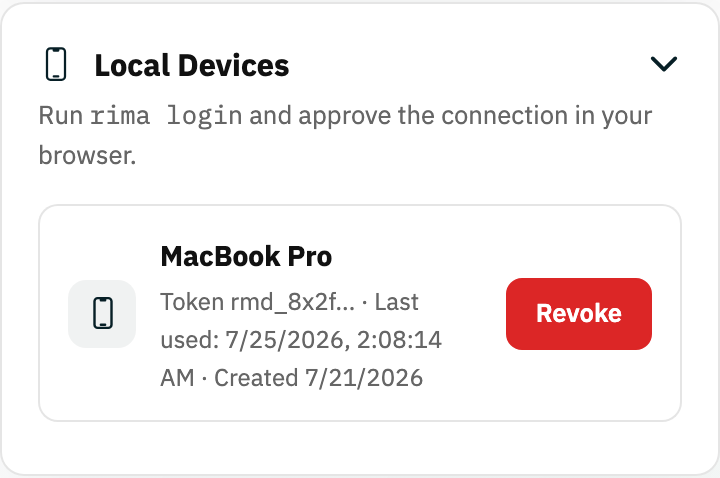
In the Local devices panel on the dashboard, create a device code and copy the ready-made login command. Run it in your terminal and the CLI is linked to your account. (For scripts and CI, the CLI can also log in with an API key.) The panel lists every connected device, and you can revoke one whenever you like.
Pick what to run
The CLI mirrors the web app's structure. --help shows every command. You can list your workspaces and pick a default, list the projects in it and pick one, then list its tests. Run a single test, pick one interactively, or run every enabled test in the project.
Point production recordings at local builds
URL rewriting is the local runner's superpower: a test recorded against your production site can be executed against localhost:3000, a staging server or a private URL - the CLI swaps the addresses at run time. Logs and artifacts (screenshots, traces) are written locally, and results sync back into the project's run history like any cloud run.
Tunneling
The reverse direction also works: local tunneling opens a temporary, private route from Rima's cloud browser to the app running on your machine or network, so a scheduled cloud run can test a build that was never deployed publicly.
Ready to try it yourself?
Create your free account, record your first flow, add a validation, and let Rima run it on a schedule for you.
Start free trial