Definition
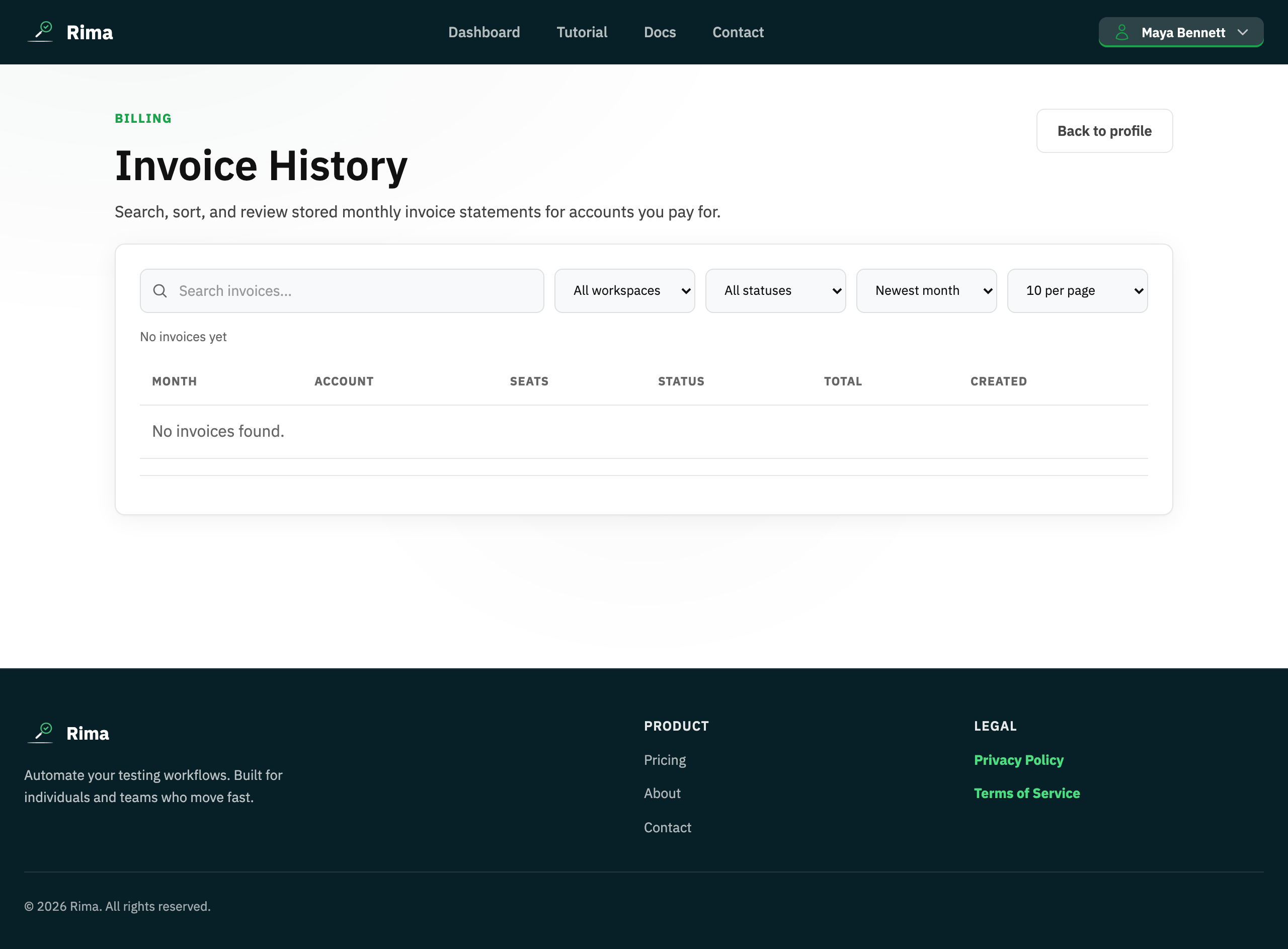
An invoice is the monthly billing statement for a workspace subscription, including status and itemized charges.
What it is for
Invoices provide a searchable payment and accounting record.
How it works
- Rima issues a monthly statement per workspace subscription with its status and itemized charges.
- Recent invoices appear in Profile settings; the full Billing Invoices page adds search, workspace and status filters, sorting, and pagination.
- A billing breakdown preview in the profile shows upcoming line items and totals.
Example
Filter invoices to the Storefront workspace and open the latest paid statement for the finance team.
Common use cases
- Review monthly charges.
- Find an unpaid statement.
- Separate invoices by workspace.
- Download billing evidence.
Where to find it
Open Profile settings for recent invoices or use the full Billing Invoices page for search, filters, sorting, and pagination.
Limitations, requirements, and permissions
- You only see invoices for billing accounts you pay for or belong to.
- The profile shows recent invoices only; use the Billing Invoices page for the full history.
Related features and guides
Ready to try it yourself?
Create your free account, record your first flow, add a validation, and let Rima run it on a schedule for you.
Start free trial