Definition
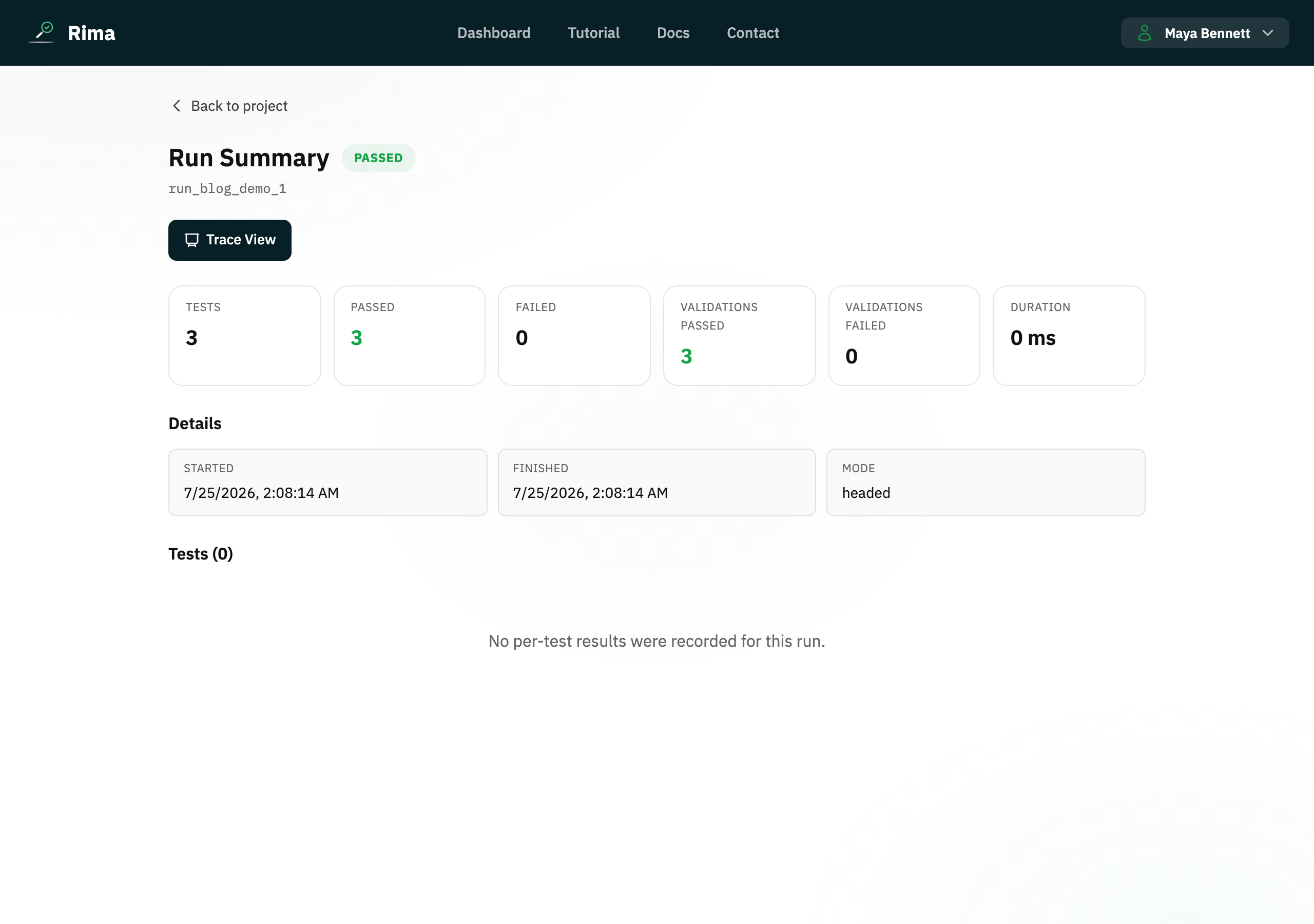
The run summary is the high-level result page for a run, showing status, duration, selected tests, validations, failures, and links to deeper evidence.
What it is for
It answers “did the run pass, and where should I look next?” before you open the full trace.
How it works
- The summary lists every test in the run with its outcome, duration, and validation results, plus overall pass and fail counts.
- Failed tests show the failing validation and evidence such as the failure screenshot.
- Links lead deeper into the trace viewer and the run files for full investigation.
Example
A summary shows 4 of 5 tests passed and identifies “Checkout” as failed, with the failed validation and screenshot.
Common use cases
- Triage a failure quickly.
- Confirm every selected test ran.
- Review validation output.
- Open trace or files for deeper analysis.
Where to find it
Open any entry in Recent Runs or Run History and choose its summary.
Limitations, requirements, and permissions
- Read-only: you cannot rerun or edit tests from the summary page.
- Visible only to users with access to the run, unless it is shared through a public report link.
Related features and guides
Ready to try it yourself?
Create your free account, record your first flow, add a validation, and let Rima run it on a schedule for you.
Start free trial