Definition
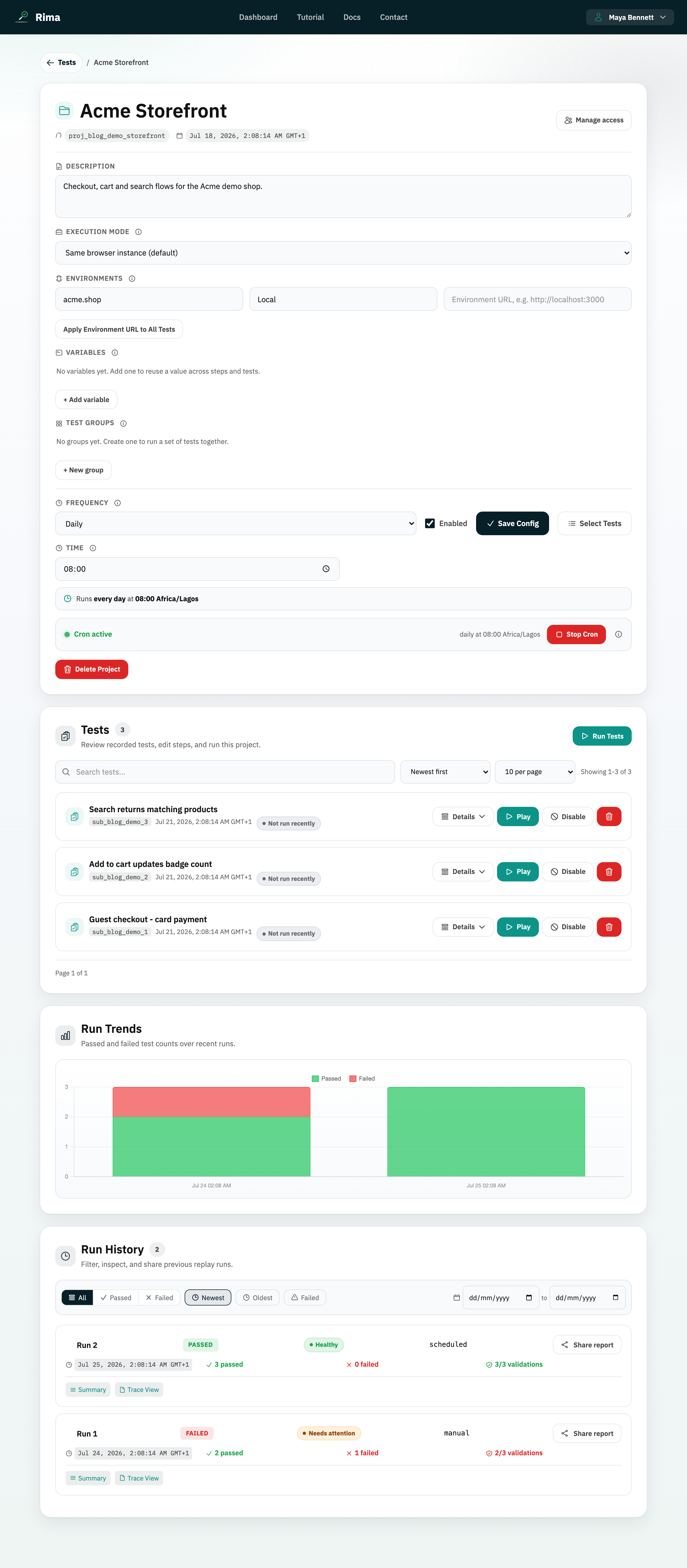
A project variable is a named reusable value that tests and validations in the same project can read or update.
What it is for
Variables remove repeated hard-coded data and let one step pass a value to a later step or test.
How it works
- Define a name and value once in the project Variables section, then choose Use variable in any step editor.
- Validation text fields accept
${var:NAME}tokens through the variable picker. - A step can also write its result back into a variable, so one test can pass data to the next.
- Variables resolve at run time, so updating the stored value changes every step that uses it.
Example
Store the account email as TEST_EMAIL, use it during registration, and use the same variable in the login test.
Common use cases
- Reuse credentials.
- Switch shared test data in one place.
- Capture an ID created during a run.
- Pass data from setup into dependent tests.
Where to find it
Open a project, expand Variables, and add or edit a name and value. Choose Use variable in a step editor.
Limitations, requirements, and permissions
- Names must start with a letter and use only letters, numbers, underscores, and dashes; duplicate names are rejected case-insensitively.
- Editing variables requires project edit permission.
- Deleting a variable makes steps that reference it resolve to an empty value on the next run.
Related features and guides
Ready to try it yourself?
Create your free account, record your first flow, add a validation, and let Rima run it on a schedule for you.
Start free trial