Definition
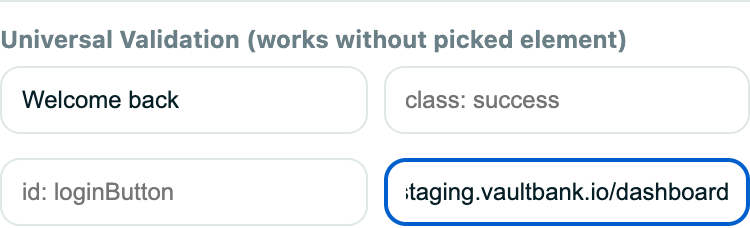
A simple validation is a quick text or URL check that does not require you to build a selector-based rule.
What it is for
It covers the most common success checks with the fewest settings.
How it works
- Page shows this text passes when the text is visible anywhere on the page.
- Page address contains passes when the current URL includes the value you entered.
- An optional delay gives the page time to settle before the check runs.
- Picking an element in Simple mode adds selector-based checks for its text, class, ID, value, or checked state.
Example
Check that the page text includes “Welcome back” after login.
Common use cases
- Confirm a success message.
- Check a route change.
- Verify a heading.
- Add a fast smoke-test assertion.
Where to find it
Choose Simple while adding a validation in the extension or test editor.
Limitations, requirements, and permissions
- URL checks support http and https URLs only.
- Page-wide text checks can match unintended duplicate text elsewhere; switch to an advanced validation to target one element.
- At least one text, URL, or picked-element check is required before adding.
Related features and guides
Ready to try it yourself?
Create your free account, record your first flow, add a validation, and let Rima run it on a schedule for you.
Start free trial