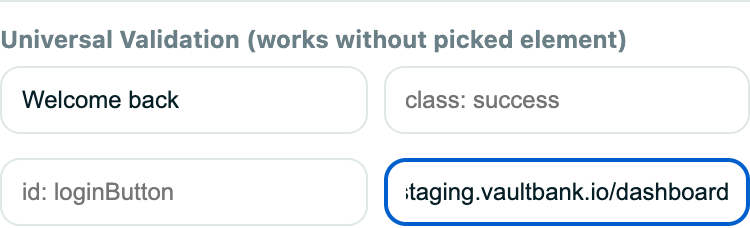
Definition
An advanced validation targets an element with a selector and can require several properties to match at the same time.
What it is for
Use it when a page-wide text or URL check is not precise enough.
How it works
- Enter or pick a CSS selector, then add one or more check rows: text, class, attribute, input value, checked state, and similar properties.
- All checks in the validation must pass for the validation to pass.
- An optional delay lets slow content settle before the checks run.
Example
Target the order-status row and require it to be visible, have the class paid, and contain the text “Paid”.
Common use cases
- Check one specific element.
- Validate input values or checked states.
- Combine multiple conditions.
- Avoid matching duplicate text elsewhere on the page.
Where to find it
Switch to Advanced in the validation editor and enter or capture the target selector and expected properties.
Limitations, requirements, and permissions
- The selector is required and must be valid CSS; attribute checks use the
name=valueform. - At least one check row is required, and each text, class, or value check needs a value.
- If the selector matches nothing at run time, the validation fails.
Related features and guides
Ready to try it yourself?
Create your free account, record your first flow, add a validation, and let Rima run it on a schedule for you.
Start free trial